01
Keeping Moodle up to date helps organisations maintain a secure, stable and supported learning environment.


Upgrade your Moodle platform safely while protecting your data, customizations and learner experience.
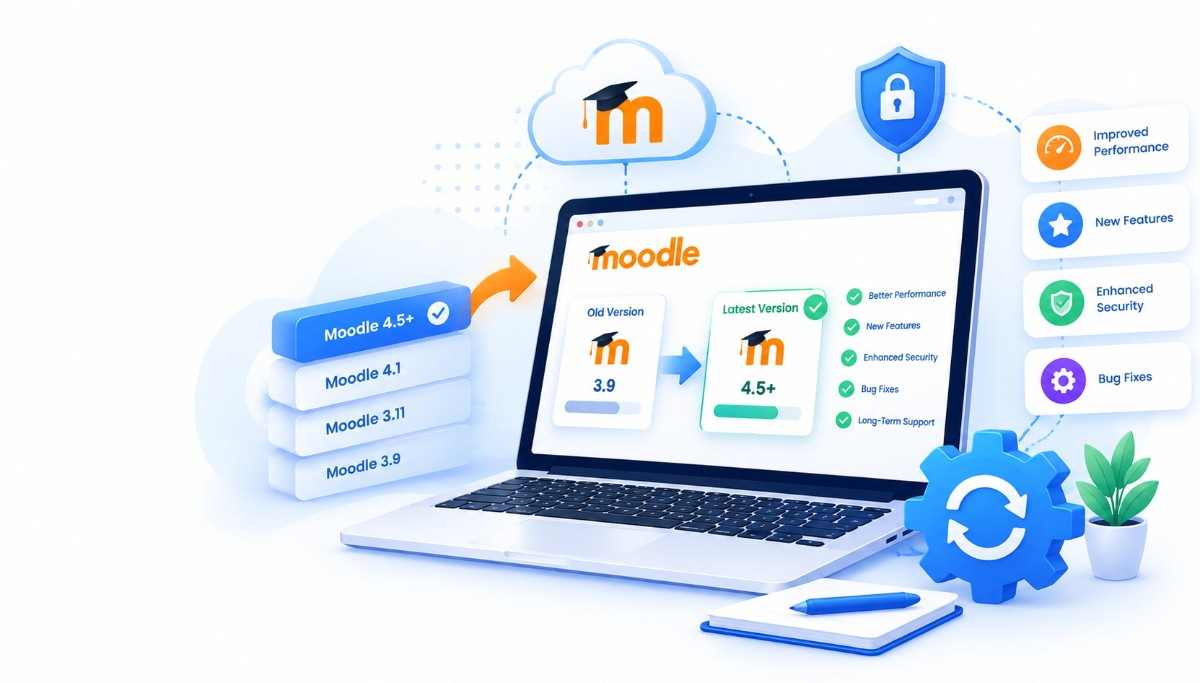
Keeping Moodle up to date helps organisations maintain a secure, stable and supported learning environment.
But upgrades can become complicated when your LMS includes custom code, plugins, themes, integrations and large amounts of learning data.
Our Moodle upgrade services help you plan, test and execute upgrades with a structured approach designed to reduce disruption.
A complete upgrade service that covers every layer of your Moodle LMS.
Review your current Moodle version and identify upgrade requirements.
Assess your installed plugins and identify compatibility considerations.
Review custom themes and code before the upgrade.
Prepare appropriate backups and rollback strategies before deployment.
Execute the upgrade and test key functionality, integrations and user journeys.
Monitor the upgraded environment and resolve issues that may arise after deployment.
A structured upgrade reduces risk, protects your data and keeps your LMS secure and supported.
Plan the upgrade carefully to minimize disruption to learners and administrators.
Identify plugin, theme and custom-code issues before the upgrade.
Keep your Moodle environment aligned with supported versions and security updates.
Validate the platform after upgrading before returning it to normal use.
A structured five-step process that takes you from your current Moodle version to a stable, up-to-date LMS.
Review your current Moodle version, plugins, themes, integrations and customizations.
Create an upgrade plan based on your environment and requirements.
Protect your data and prepare rollback options.
Perform the upgrade and validate functionality.
Move to production and monitor the environment after deployment.

Our Moodle team can assess not only the core Moodle platform but also the surrounding plugins, customizations, integrations and infrastructure that support your LMS.
This gives you a more complete upgrade approach rather than simply changing the Moodle version.
Upgrading can help maintain security, compatibility, stability and access to newer Moodle capabilities.
Yes. We can assess custom themes, plugins and code before determining the appropriate upgrade approach.
We use appropriate backup, testing and deployment procedures to help protect your data during the upgrade.
Plugin compatibility is assessed as part of the upgrade process.
Yes. We can provide post-upgrade monitoring and ongoing Moodle support.
Let's review your current Moodle environment and discuss the right upgrade approach.