Moodle 5.2, released on 20 April 2026, brings multi-marker grading for assignments, built-in Gemini and Amazon Bedrock AI providers, clearer course pages, a stronger Report Builder, and new React, Composer and OpenTelemetry tools for developers. It is not an LTS release. The next LTS, Moodle 5.3, is due on 5 October 2026 and will carry all 5.2 features.
In this guide you will learn:
- What is new in Moodle 5.2, in simple words
- How Moodle 5.1, 5.0, 4.5, 4.4 and 4.1 compare
- Which Moodle versions are still supported today
- Whether to upgrade now or wait for 5.3 LTS
- The honest answer to “Can Moodle detect ChatGPT?”
Moodle Versions at a Glance
Moodle ships a new version every six months, in April and October. Here is where each version stands today.
| Version | Released | Support status (30 Sep 2026) |
|---|---|---|
| 5.3 (LTS) | 5 Oct 2026 (scheduled) | Security support until 1 Oct 2029 |
| 5.2 | 20 Apr 2026 | Bug fixes until 19 Apr 2027. Security until 4 Oct 2027 |
| 5.1 | 6 Oct 2025 | Bug fixes end 5 Oct 2026. Security until 19 Apr 2027 |
| 5.0 | Apr 2025 | Security support ends 5 Oct 2026 |
| 4.5 (LTS) | 7 Oct 2024 | Security support until 4 Oct 2027 |
| 4.4 | Apr 2024 | Security support ended 8 Dec 2025 |
| 4.1 (LTS) | Nov 2022 | Support ended Dec 2025 |
The latest 5.2 point release at the time of writing is 5.2.3 (14 September 2026). Always run the newest point release of your version, because it carries the latest security fixes.
Source: Moodle Developer Resources and Moodle 5.3 release information.
What Is Moodle? (Moodle Full Form)
Moodle stands for Modular Object-Oriented Dynamic Learning Environment. It is a free, open-source learning management system (LMS). Schools, universities and companies use it to build courses, run quizzes, track progress and report results.
Moodle was first released in August 2002. Moodle HQ and a global community lead it. Certified Moodle Partners offer extra services such as hosting, training and customisation.
Moodle 5.2 New Features LMS Teams Will Notice First
Moodle says 5.2 focuses on three things: clearer courses, stronger assessment and reporting, and a better base for the future. Here is the quick view.
| Area | What is new | Who gains most |
|---|---|---|
| Assessment | Multiple markers on one assignment | Teachers, exam offices |
| Course pages | Clearer activity pages and restricted-content pages | Learners |
| Question bank | Drag and drop, in-place edit, question counts | Quiz authors |
| Reporting | Better Report Builder filters and schedule status | Admins, L&D teams |
| AI | Gemini and Amazon Bedrock built into core | Admins, teachers |
| Forums | Live Q&A replies and flexible locking | Trainers |
| Platform | React, Composer, OpenTelemetry, Design System | Developers, DevOps |
1. Multiple Markers for Assignments
Teachers can now ask for more than one marker on an assignment. You can set a site-wide default for the number of markers. You can also choose how the final grade is worked out: by an automatic method or by hand. The assignment workflow updates in real time.
Moodle calls this “Phase 1” of its marking workflows, so expect more to come. Why it matters: double-marking is common in universities and training bodies. Now Moodle supports it natively.
2. Clearer Course and Activity Pages
Small changes here save learners a lot of clicks:
- Key info at the top. Completion criteria and activity dates now sit clearly at the top of the activity page.
- Status in the header. The “Done” label and the manual completion button now show in the activity header.
- Course title always visible. It stays in the course index as you scroll, and it links back to the course home page.
- Simpler subsections. Separate subsection pages are gone. Links now jump straight to the content on the main page.
3. Restricted Content That Explains Itself
Restricted activities and sections now get their own pages. These pages show the access rules in a full, readable way. Learners no longer have to guess why something is locked.
4. Better Question Bank and Quiz Tools
Big question banks are easier to manage in 5.2. You can:
- Collapse and expand categories
- Drag and drop categories to reorder them
- Edit category names in place
- See a question count on every question bank
- Move a whole category, with its questions, to another question bank
5. Stronger Report Builder and Admin Tools
- Smarter filters. User list filters now support wildcards. The Task Logs report can filter by database read and write counts.
- Clearer schedules. You see the status of scheduled reports, and pop-up messages confirm when a schedule is turned on or off.
- Backup names you control. Admins can set default backup file names with Mustache templates.
- Easier course deletion. You can delete a course by short name or ID number.
- Big course reset without timeouts. Course reset now runs in the background, so large courses do not time out.
6. Gemini and Amazon Bedrock AI Built Into Core
Moodle 5.2 adds two AI providers to core:
- Google Gemini works with all current Moodle AI actions: text generation, summaries, explanations and image creation. Data stays inside your organisation’s own Google account.
- Amazon Bedrock keeps data in the AWS region you choose. It gives access to several models, including Claude, Titan and Llama.
Admins set up providers and pick models from one screen, so switching is easy. Want the full set-up steps? Read our guide to Moodle AI integration with Gemini and Amazon Bedrock.
7. Forums Built for Live Sessions
In Q&A forums, replies can now show straight away. Nobody waits for the 30-minute edit window to end. Forums also get new auto-lock options, from as short as 2 days to as long as 5 years of inactivity.
8. A Fresher First-Run Experience (New Sites Only)
New installs get a redesigned login page, a refreshed multi-factor authentication look, and a simpler Dashboard. The Course overview block is added by default, and the Calendar block moves to the side drawer. New sites also start with “force login” on and the guest login button hidden.
Good news for existing sites: if you changed these settings, your choices stay as they are after the upgrade.
9. More Control Over the Mobile App
Admins can add custom menu items to the user profile in the app. They can also set a safe allowlist of approved JavaScript files. The app subscription page is now clearer. These features need Moodle app version 5.2 or later.
10. Under the Hood: Built for the Future
These changes are mainly for developers and IT teams:
- React foundations in core, to prepare for a more modern interface
- Moodle Design System package support, for a consistent look
- Composer installation, for easier long-term upkeep
- OpenTelemetry, to trace and monitor how your site performs in real time
OpenTelemetry needs a PHP extension and two Composer packages. You set it up in php.ini or environment variables, not in the admin screen.

What’s New in Moodle 5? (5.0, 5.1 and 5.2 Side by Side)
| Version | Released | Big theme | Headline features |
|---|---|---|---|
| 5.0 | Apr 2025 | AI controls, better assessment | Activities overview, course question banks, grade penalties, Ollama provider, AI usage reports |
| 5.1 | 6 Oct 2025 | Easier building | Activity chooser by purpose, AI on/off per course, DeepSeek provider, TinyMCE Premium on-premise |
| 5.2 | 20 Apr 2026 | Clearer courses, stronger grading | Multiple markers, Gemini and Bedrock in core, Report Builder upgrades, React and Composer |
Moodle 5.1 Features
Moodle 5.1 made course building and AI control simpler:
- Activity chooser by purpose. Activities are grouped as assessment, collaboration, communication, resources and interactive content. A new Add button adds clarity.
- Activities overview for all core activities. Dates and key info now show for Choice, Forum, Glossary, H5P, Lesson, SCORM and Quiz.
- AI on or off per course and activity. Teachers can switch AI tools off where they do not fit.
- DeepSeek provider added to the list of AI providers.
- TinyMCE Premium on-premise support, so enhanced image editing can run without sending content to Tiny Cloud.
- Assignment upgrades. Resize the grader panel, and see logs of who downloaded feedback files.
- Safer password reset. A reCAPTCHA now protects the forgotten password page.
- More manual enrolment options. Add users to a group and choose a start date.
Moodle 5.0 Features
Moodle 5.0 (April 2025) was a big step for AI control and assessment:
- AI upgrades: Ollama provider, provider instances for specific tasks, per-model settings, a new “Explain” option, an AI policy acceptance report and an AI usage report
- New Activities overview for teachers and students
- Course question banks that make sharing questions easier, plus six new question filters
- Grade penalties for late submissions, visible in the gradebook
- SMS notifications for assignments, and file lists inside assignment notifications
- TinyMCE upgrades: drag-and-drop media, better media editing, image descriptions up to 750 characters and an MP3 option
- Quiz speed: option to pre-create quiz attempts
- BigBlueButton manual grading, and custom reports you can duplicate
Moodle 4.5 New Features (LTS)
Moodle 4.5, released on 7 October 2024, is a long-term support version. Security fixes continue until 4 October 2027. Key features:
- The first AI subsystem. Admins add AI providers. Users can generate text, create images and summarise content.
- Subsections. Teachers can add a section inside a section, which helps learners focus.
- Assignment improvements. Key actions sit at the top, and a sticky footer gives quick access to bulk actions.
- New assignment settings. Admins set default grade and scale types. Teachers can grant new attempts automatically.
- Screen recording inside the TinyMCE editor.
- New notifications for upcoming and overdue assignments and for quiz openings.
- Quiz tools. Regrade selected questions, and drag and drop question bank categories.
- Reports and more. Competencies as a custom report source, plus duplicate badges and bulk cohort deletion.
Moodle 4.4 Features
Moodle 4.4 arrived in April 2024. It focused on course navigation and security:
- New course navigation. Clicking a section in the course index now opens a page with only that section’s content.
- Lighter activity icons for a cleaner look.
- New “Ordering” question type, where learners put words or phrases in the right order.
- TinyMCE upgrades, including a contextual toolbar.
- Better badge management. Learners can filter their badges by course, activity or date.
- More multi-factor authentication options.
- New notifications. Students get an alert when they are manually enrolled.
- Forum management upgrades, plus support for course groups in Matrix rooms.
Moodle 4.4 security support ended on 8 December 2025.
Moodle 4.1 New Features
Moodle 4.1 was an LTS release from November 2022. It polished the big Moodle 4 redesign:
- Smarter question bank. Edit question titles in place. See who last changed a question, and when it was last used.
- More custom report sources. Badges, comments, notes, course participants, blogs and files.
- Custom report settings page to limit the number of reports and turn off live editing.
- Other upgrades. Time zone in user profiles, longer grading scales, and custom profile fields plus completion time in completion reports.
Moodle 4.1 support ended in December 2025.
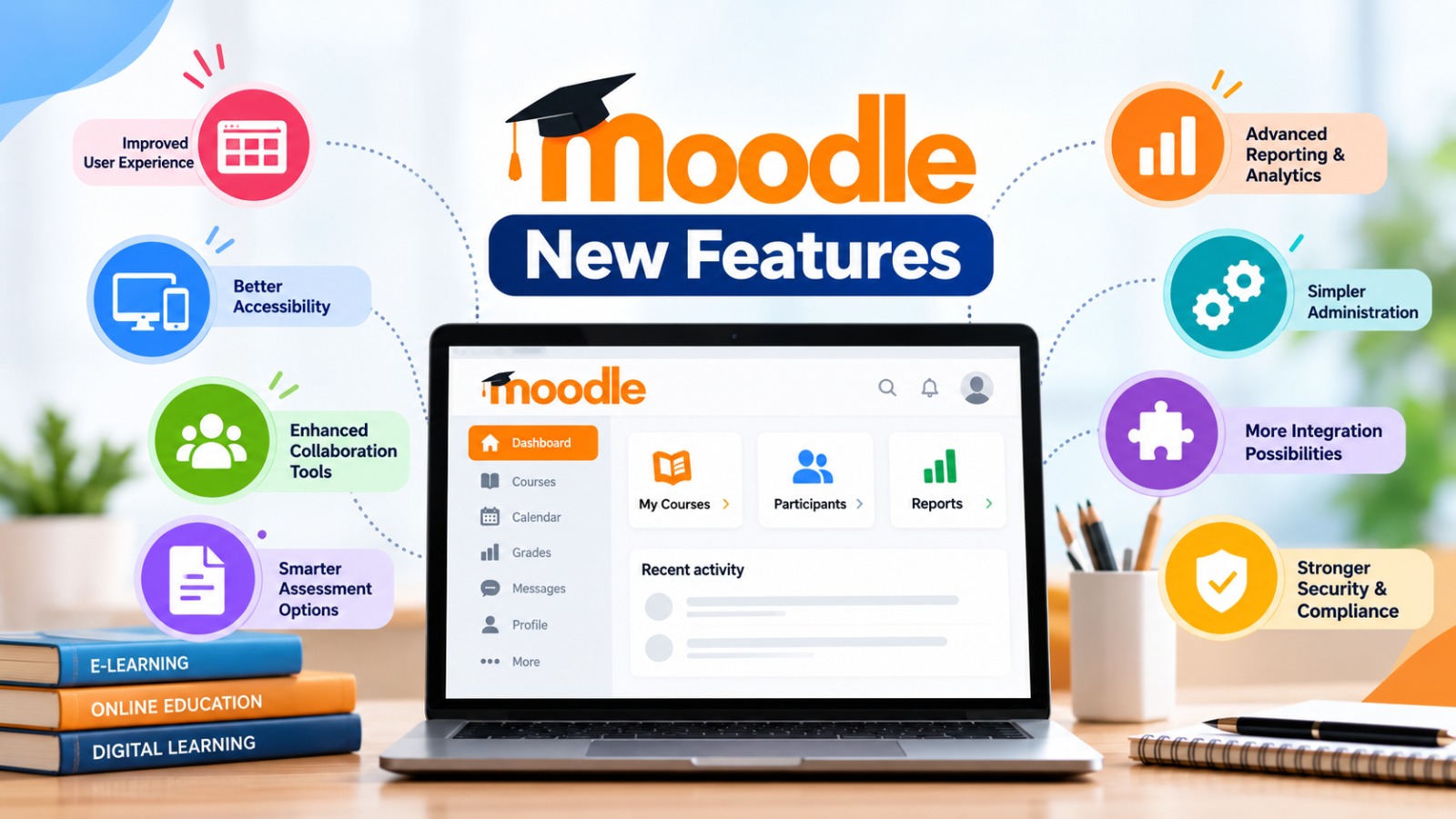
Moodle New Features: When Did Each Big Feature Arrive?
| Feature | First arrived in |
|---|---|
| Expanded custom report sources | 4.1 |
| “Modified by” and “Last used” in question bank | 4.1 |
| Ordering question type | 4.4 |
| New course navigation with section pages | 4.4 |
| AI subsystem (text, images, summaries) | 4.5 |
| Subsections | 4.5 |
| Screen recording in the editor | 4.5 |
| Activities overview | 5.0 |
| Course question banks | 5.0 |
| Late-submission grade penalties | 5.0 |
| Ollama AI provider | 5.0 |
| Activity chooser by purpose | 5.1 |
| AI on or off per course and activity | 5.1 |
| Multiple markers for assignments | 5.2 |
| Gemini and Amazon Bedrock in core | 5.2 |
| React, Composer and OpenTelemetry support | 5.2 |
Should You Upgrade to Moodle 5.2, or Wait for 5.3 LTS?
Here is the simple answer. Moodle 5.2 is not an LTS release. Its security support runs until 4 October 2027. Moodle 5.3 is the next LTS. It is due on 5 October 2026, with security support until 1 October 2029. Moodle partners report that all 5.2 features will be in 5.3.
So the smart plan depends on where you are today:
| Your version | Risk today | What to do |
|---|---|---|
| 4.1 or 4.4 | No security support | Upgrade now. Aim for 5.3 LTS |
| 5.0 | Security ends 5 Oct 2026 | Upgrade in the next few weeks |
| 4.5 (LTS) | Supported until Oct 2027 | Safe for now. Plan your move to 5.3 LTS |
| 5.1 | Security until Apr 2027 | Schedule your upgrade this year |
| 5.2 | Supported until Oct 2027 | You are in good shape. 5.3 is an easy next step |
Always check Moodle’s official upgrade requirements before you start. Moodle lists the minimum version you can upgrade from.
6-Step Upgrade Checklist
- Back up everything: database,
moodledataand code. - Test on a staging copy first. Never test on your live site.
- Check every plugin. Look each one up in the Moodle Marketplace, which now replaces the old plugins directory.
- Check your server. Confirm your PHP and database versions meet the release notes.
- Tell your users what will change, especially teachers.
- Upgrade, then run a full test of logins, courses, quizzes and reports.
Short on time or plugins? Our Moodle upgrade services handle the whole checklist for you.
Can Moodle Detect ChatGPT?
no, not by itself. Core Moodle has no built-in AI detector and no built-in plagiarism checker. It only has a plugin connection, called the Plagiarism API, that other tools can use.
You can add detection through plugins such as Turnitin, Copyleaks or Originality.ai. Turnitin has shown an AI-writing indicator in its reports since April 2023.
But be careful. AI detectors are not perfect. They can miss AI text, and they can flag honest students by mistake. The team behind one Moodle AI-detection plugin says its score should not be the only evidence used to judge student work. Use a score as a clue, then talk to the student.
Better ways to protect honest work:
- Ask for drafts, notes or short oral check-ins
- Use more personal, local or recent topics in assignments
- Mix in quizzes with randomised questions
- Use Moodle 5.1 and later to turn AI tools off in courses or activities where they do not belong
Also remember: the Gemini and Bedrock providers in Moodle 5.2 help people create content. They do not detect AI writing.
Key Features of Moodle (What You Get Out of the Box)
Even before you add plugins, Moodle gives you:
- Flexible courses with activities like assignments, quizzes, forums, lessons, workshops, glossaries, H5P and SCORM
- Gradebook and completion tracking to follow each learner
- Competencies and badges to show skills
- Report Builder for custom reports
- Roles and permissions to control who can do what
- Security tools such as multi-factor authentication
- Mobile app for learning on the go
- Plugins to add new features, now found in the Moodle Marketplace
- Open-source freedom to host it where you like and shape it to your needs
How Dynamic Pixel Helps You Get More From Moodle
Reading about features is easy. Putting them to work is the hard part. Dynamic Pixel is a Certified Moodle Partner with years of eLearning experience. We help teams move to Moodle 5.2 or 5.3 without the stress.
- Moodle Upgrade Services: safe upgrades with plugin checks, testing and minimal downtime
- Moodle AI Solutions: set up Gemini or Amazon Bedrock the right way, with clear rules for your teachers
- Moodle Plugin Development: fix or rebuild plugins that do not work on the latest version
- Moodle Hosting and Support: a secure, steady home for ydour LMS
- Moodle Performance Optimisation: a faster LMS for learners at scale
Want a clear upgrade plan for your site? Talk to the Dynamic Pixel team and tell us which version you run today. You can also explore our full Moodle LMS services.
Frequently Asked Questions
Q1. Can Moodle detect ChatGPT?
No, not on its own. Core Moodle has no built-in AI or plagiarism detector. You can add one through plugins such as Turnitin, Copyleaks or Originality.ai. Even then, AI detectors can be wrong, so treat their scores as a clue, not as proof. Smart assessment design works better than detection alone.
Q2. What’s new in Moodle 5?
Moodle 5 is a series: 5.0 (April 2025), 5.1 (October 2025) and 5.2 (April 2026). Together they add course-level question banks, an Activities overview, grade penalties, AI controls per course, a simpler activity chooser, multi-marker grading, built-in Gemini and Amazon Bedrock AI, and new developer tools like React, Composer and OpenTelemetry.
Q3. What are the features of Moodle?
Moodle offers courses with activities such as assignments, quizzes, forums, lessons and H5P. It also gives you a gradebook, completion tracking, competencies, badges, custom reports, roles and permissions, multi-factor authentication, a mobile app and a large plugin library. It is open source, so you can host and customise it your way.
Q4. What are the current versions of Moodle?
As of 30 September 2026, Moodle 5.2 (released 20 April 2026) is the latest stable version. Moodle 5.3, the next LTS, is due on 5 October 2026. Moodle 4.5 LTS is supported until 4 October 2027. Versions 5.1 and 5.0 are near the end of support, and 4.4 and 4.1 are no longer supported.
Q5. What are the key features of Moodle?
The key features of Moodle are flexible course building, a wide set of learning activities, a gradebook and reports, security tools like multi-factor authentication, a mobile app, and open-source freedom. Newer versions add AI tools you can control, multi-marker grading and clearer course pages.
Q6. What is Moodle full form?
Moodle stands for Modular Object-Oriented Dynamic Learning Environment. It is a free, open-source learning management system, first released in August 2002. Schools, universities and companies use it to build courses, run quizzes, track learner progress and report results, either on their own servers or through a hosting partner.
Q7. Is Moodle 5.2 an LTS release?
No. Moodle 5.2 is a regular release, with general support until 19 April 2027 and security support until 4 October 2027. The next long-term support (LTS) release is Moodle 5.3, due on 5 October 2026, with security support until 1 October 2029.
Q8. Should I upgrade to Moodle 5.2 now or wait for 5.3?
If you run 4.1, 4.4 or 5.0, upgrade soon, because security support has ended or ends on 5 October 2026. Choose 5.2 if you want the newest features now. Choose 5.3 LTS if you value long-term stability, since it will include all 5.2 features.
Q9. Is Moodle 4.1 still supported?
No. Moodle 4.1 LTS support ended in December 2025, so it no longer gets security fixes. Known risks stay unpatched on that version. Plan a move to a supported release, such as 4.5 LTS today or 5.3 LTS after its release on 5 October 2026.
Sources
- Announcing Moodle LMS 5.2 (Moodle.org, 20 April 2026)
- New features in Moodle 5.2 (MoodleDocs)
- New features in Moodle 5.1 (MoodleDocs)
- New features in Moodle 5.0 (MoodleDocs)
- New features in Moodle 4.5 (MoodleDocs)
- Announcing Moodle LMS 4.4 (Moodle.org)
- Announcing Moodle LMS 4.1 (Moodle.com)
- Moodle release and support dates (Moodle Developer Resources)
- Moodle 5.3 release information (Moodle Developer Resources)
- Moodle 5.2: what’s new (Pimenko)
- Moodle (Wikipedia)
Related Reading
Dates and support periods are taken from Moodle’s official sources and may change. Always confirm on moodle.org before you plan an upgrade.