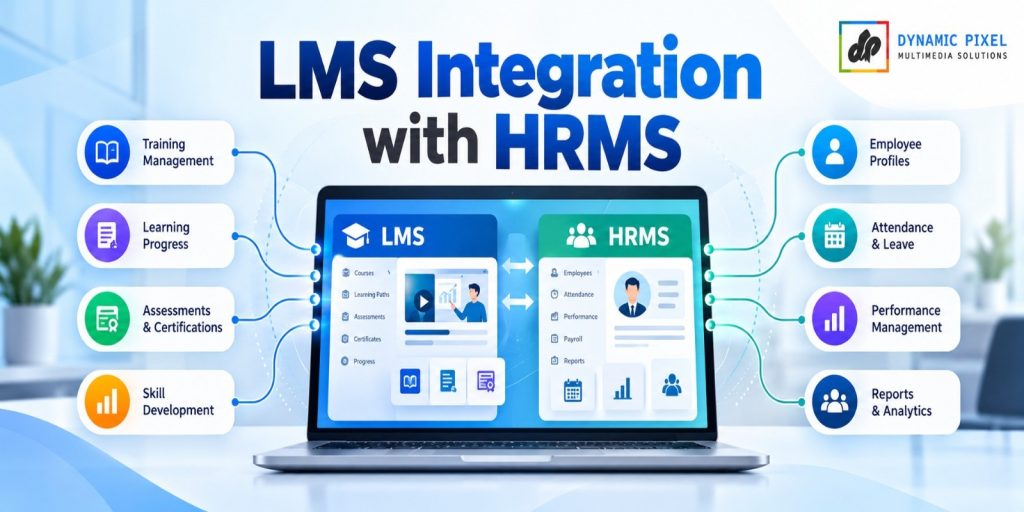
LMS with HRMS integration means your learning platform and your HR system share employee data automatically. When HR adds a new hire, the LMS creates the account, assigns the right onboarding courses, and sends completion data back to HR. The result: no re-typing, no waiting on day one, and training records that always match HR records.
The Day-One Problem Most Companies Have
Picture a new hire’s first morning.
HR added her to the HRMS last week. But the LMS team has not heard about it yet. IT is still waiting for a form. Her login arrives on day three. Her manager asks, “Has she finished the safety course?” Nobody knows.
This is not a rare story. Gallup’s well-known research on onboarding found that only 12% of employees strongly agree their organization does a great job of onboarding. After onboarding, only 29% of new hires said they felt fully prepared and supported in their new role. Gallup also found that new hires are 3.4 times more likely to call onboarding exceptional when their manager takes an active part in it.
Managers can only play that part if they can see what the new hire has done. That is where connecting your LMS with your HRMS starts to pay off.
What Is HRMS and LMS Integration?
An HRMS (Human Resource Management System) is where your people data lives: names, employee IDs, roles, departments, managers, joining dates, and job status. Think Zoho People, Keka, greytHR or Darwinbox.
An LMS (Learning Management System) is where learning lives: courses, enrolments, progress, scores, and certificates.
HRMS and LMS integration connects the two so data moves between them without anyone copying it by hand.
| HRMS | LMS | |
|---|---|---|
| Main job | Manage employees and HR processes | Deliver and track learning |
| Owns this data | Employee ID, role, department, manager, joining date, status | Courses, enrolments, progress, scores, certificates |
| Gets data from the other system | Training completion and certificate status | New joiners, role changes, exits |
What Moves in Each Direction
From HRMS to LMS:
- A new joiner is added → the LMS account is created
- A role or department changes → new courses are assigned
- An employee leaves → LMS access is switched off
From LMS to HRMS:
- A course is completed → the HR record is updated
- A mandatory course is overdue → HR and managers can see it
- A certificate is issued → it is stored against the employee
Why HRMS and LMS Integration Matters
Almost every training problem in a growing company is really a data problem. Here is how the two compare.
| Problem Without Integration | What Integration Does |
|---|---|
| New hires wait days for LMS access | The account is created when HR creates the employee record |
| Everyone gets the same course list | Courses are assigned by role, department and location |
| Training records and HR records don’t match | One employee ID links both systems |
| Audits mean hunting through spreadsheets | Completion data flows back, so one report shows the status |
| Leavers keep their login | An exit in the HRMS switches off LMS access |
There is also a bigger reason. The World Economic Forum’s Future of Jobs Report 2025 says employers expect 39% of workers’ core skills to change by 2030. Learning can’t be a one-time event at joining. It has to follow people as their roles change. A connected LMS and HRMS makes that possible without extra admin work.
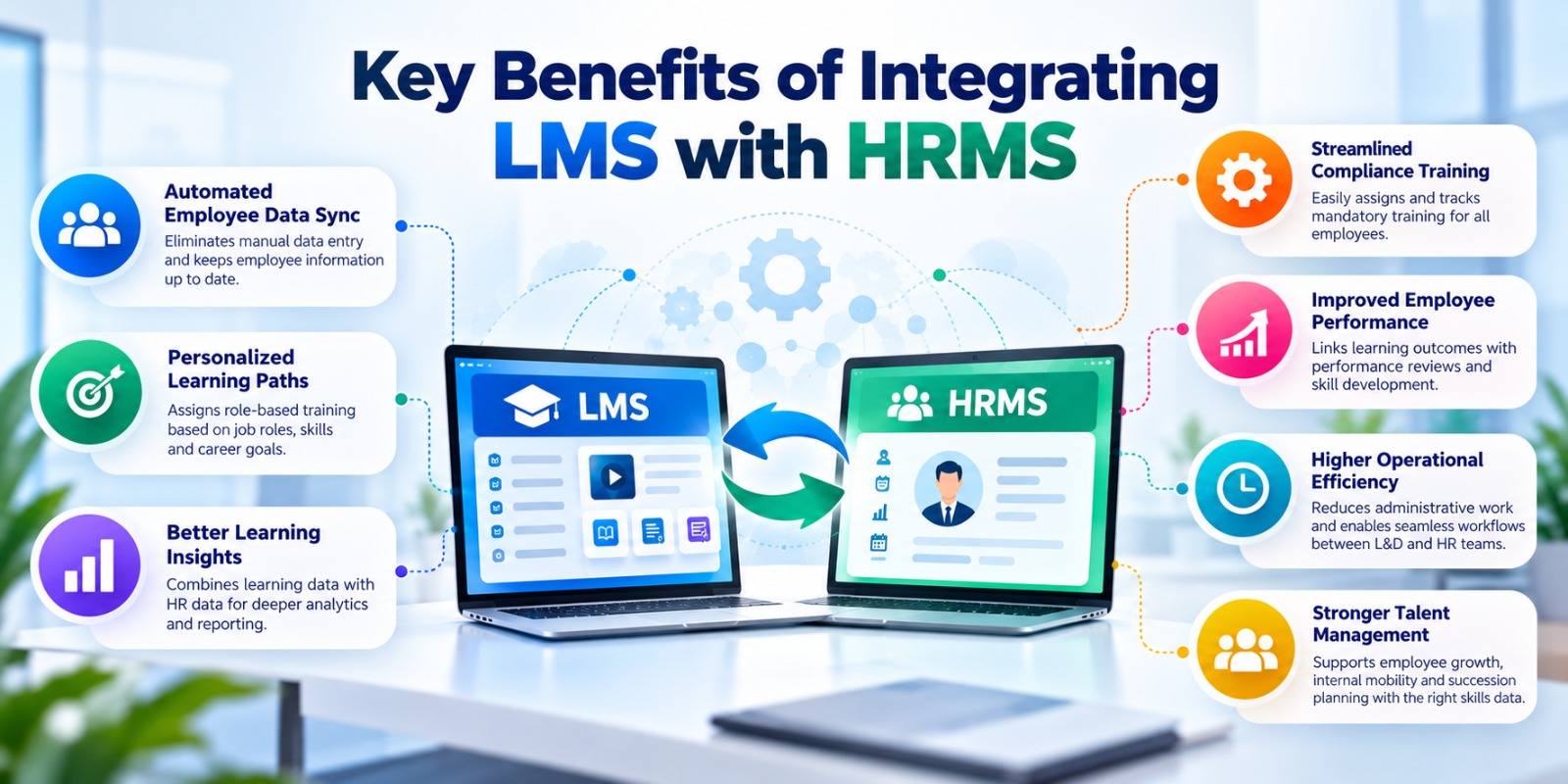
Key Benefits of Integrating LMS with HRMS
1. You save HR and L&D time. No more re-typing joiners, uploading CSV files, or chasing lists.
2. You get fewer errors. One typo in a manual upload can create a duplicate account or lock someone out. Automatic sync removes most of these slips.
3. New hires start faster. Their login and induction courses are ready on day one, not day three.
4. The right course reaches the right person. Rules based on role, department or location decide who gets what.
5. Compliance gets simpler. When completion data flows into HR records, proving that mandatory training was done takes minutes, not days.
6. Exits are safer. Access ends when employment ends. No forgotten accounts.
7. Reports you can trust. Learning data sits next to HR data, so you can ask real questions: Which team is behind on safety training? Which new hires finished induction in the first week?
What Seamless Onboarding Looks Like When Systems Are Connected
| When | What HR Does | What the LMS Does Automatically |
|---|---|---|
| Offer accepted | Adds the joiner in the HRMS with ID, role, department, manager, joining date | Creates the account, or queues it for the joining date |
| Day 1 | Welcomes the new hire | Shows the induction path: policies, security basics, tools |
| Week 1 | Manager checks in | Assigns role-based courses by department |
| Day 30 | Holds the first review | Shows completion and scores to HR and the manager |
| Role change | Updates the role in the HRMS | Assigns the new learning path |
| Exit | Marks the employee as exited | Switches off access |
Good induction content matters just as much as good plumbing. If you are building yours, see our guide on what induction training is and why it matters.
Integrating LMS with HRMS: 5 Ways to Do It
There is no single right method. The best one depends on your team size, your HRMS, and your IT resources.
| Method | How It Works | Best For | Watch Out For |
|---|---|---|---|
| Manual CSV upload | Someone exports from the HRMS and uploads to the LMS | Very small teams or a trial run | Errors, delays, and relying on one person to remember |
| Scheduled file sync | A CSV file is picked up and loaded on a schedule | HRMS tools without an API | Sync delays and file formats that break |
| API integration | The two systems talk to each other directly | Growing teams that want near real-time updates | Needs a developer, plus API limits and version changes |
| SSO plus auto-provisioning | One login for both systems, with rules to create accounts | Teams that care about login security | SSO handles sign-in; you still need rules for enrolment |
| Middleware / integration platform | A tool sits between several systems | Companies connecting HRMS, ERP, and LMS together | Extra cost and one more tool to manage |
A note on Moodle. Moodle supports web services over REST, with functions to create, update and delete users and to enrol them in courses. It also supports sign-in options such as OAuth 2 and LDAP, and SAML through a plugin. In other words, Moodle can be connected to an HRMS in several ways. The right design depends on what your HRMS can send and receive.
How to Connect Your LMS with Your HRMS: 6 Simple Steps
- List what needs to move. Start small: name, employee ID, email, department, role, manager, joining date, status. Don’t sync fields the LMS doesn’t need.
- Pick one unique ID. Use the employee ID, not the email. Emails change. IDs don’t.
- Choose your method. Use the table above. Match it to your team size and tools.
- Write the rules. For example: “All joiners get Induction. Sales gets Product Basics. Managers get Feedback Skills.”
- Test with a small group. Try 5 to 10 test employees. Check joiners, role changes and exits.
- Watch for errors. Set up alerts for failed syncs. Review them every week at first.
Common Mistakes to Avoid
- Using email as the unique ID
- Syncing every HR field “just in case”
- Having no rule for employees who leave
- Skipping alerts, so failures go unseen for weeks
- Going live for the whole company without a test group
A Quick Word on Employee Data and Privacy
LMS and HRMS integration moves personal data about your employees. In India, the Digital Personal Data Protection (DPDP) Act, 2023 applies, and its Rules were notified in November 2025, with main obligations coming into force in phases. Section 7 of the Act treats employment-related processing as a legitimate use, but you still need to follow good habits: share only what you need, limit who can see it, secure the connection, and decide how long records are kept. Ask your legal team to review your set-up.
How Dynamic Pixel Helps You Connect Your LMS with Your HRMS
Dynamic Pixel is a Certified Moodle Partner. We help organisations plan, set up and improve Moodle, and we handle the integration side too.
- We start with your systems. We look at your HRMS, your LMS and your onboarding flow, and decide which method fits best.
- We build the connection. Our Custom Moodle Development service covers system integrations, including HRMS, ERP, CRM and authentication, plus custom workflows for enrolment, approvals and notifications.
- We set up Moodle properly. Our Moodle LMS Implementation covers installation, user and role set-up, branding, integrations, testing and go-live.
- We build the onboarding content too. Our Induction Training eLearning helps new hires learn your policies and tools, and KnowxBox offers ready-made soft skills courses.
Every business is different, so we don’t promise a one-size-fits-all package. We assess your set-up first and then recommend what makes sense.
Book a free consultation call or contact our team to talk about connecting your LMS with your HRMS.
FAQs
Q1. What is HRMS and LMS integration?
It is a connection between your HR system (HRMS) and your learning platform (LMS) so employee data moves between them automatically. New hires, role changes and exits flow from HR into the LMS, and course completions flow back to the HR record. No one has to copy data by hand.
Q2. What is the difference between an HRMS and an LMS?
An HRMS manages employee data and HR processes such as payroll, attendance, and records. An LMS delivers and tracks training: courses, progress, scores, and certificates. They solve different problems, which is why they work best when connected. One holds the people data, the other holds the learning data, and each needs the other to be useful.
Q3. How does LMS with HRMS integration help onboarding?
It creates the LMS account when HR adds the new hire, assigns induction and role-based courses automatically, and shows the manager and HR the progress. New hires can start learning on day one, and nobody has to chase logins or lists.
Q4. What are the key benefits of integrating LMS with HRMS?
The main benefits are less manual work, fewer data errors, faster onboarding, role-based course assignment, simpler compliance reporting, and safer exits. It also lets you see learning and HR data together, so reports are more useful. Managers can spot gaps quickly, and HR can prove training was done without chasing spreadsheets.
Q5. Can Moodle be integrated with an HRMS?
Yes. Moodle supports web services over REST, with functions to create and update users and enrol them in courses, plus several sign-in options. The right design depends on what your HRMS can send. A technical assessment shows whether a standard connector, a file sync, or custom development is the better fit.
Q6. What employee data should sync between the two systems?
Keep it minimal: name, employee ID, work email, department, role, manager, joining date, and status. Add fields only when a clear rule needs them, such as location for region-specific courses. Less data means less risk and simpler maintenance. If a field is not used by a course rule or a report, leave it out of the sync.
Q7. Is it safe to share employee data between an HRMS and an LMS?
It can be, if you set it up with care. Share only the fields you need, use a secure connection, limit access by role, and set a retention period. India’s DPDP Act applies to employee data, so ask your legal team to review your set-up.
Q8. Do small companies need LMS and HRMS integration?
Not always. With a very small team and few joiners, a manual CSV upload can be enough. Integration pays off when you hire often, have many roles with different training needs, or must prove compliance. If you are doing repeated uploads, it is time to automate.
Q9. Can I connect my existing LMS, or do I need a new one?
Often you can keep your current LMS. What matters is whether it offers an API, a file import, or SSO and whether your HRMS can send data in a format it accepts. An assessment of both systems will tell you whether to connect, customise, or switch.
Sources
- Gallup — Why the Onboarding Experience Is Key for Retention, and Gallup’s perspective paper on creating an exceptional onboarding journey (12% strongly agree; 29% feel fully prepared and supported; 3.4x with an active manager)
- World Economic Forum — The Future of Jobs Report 2025 (39% of core skills expected to change by 2030)
- Moodle Developer Documentation — Web service API functions
- Government of India (PIB / MeitY) — Digital Personal Data Protection Rules, 2025 notification
Related Reading
- What Is Induction Training and Why It Matters
- Moodle LMS Implementation Services
- Custom Moodle Development Services
Ready to Make Onboarding Smooth?
Connecting your LMS with your HRMS is one of the simplest ways to make every new hire’s first week better. Dynamic Pixel helps you plan it, build it, and keep it running. Talk to our team today.
Note: This article is general information and not legal advice. Please check data-protection requirements with a qualified professional.
