Moodle 5.3 is here, and it is a long-term support (LTS) release. That makes it the version many schools, colleges and companies will plan around for the next few years.
But a new version also brings new questions. Will my server run it? Do my plugins still work? Is it worth moving from 4.5 or 5.2? This guide answers those questions in plain words, using Moodle’s own documents.
What is the latest version of Moodle?
The latest version of Moodle is Moodle 5.3 LTS, released on 5 October 2026. It gets bug fixes until 4 October 2027 and security fixes until 1 October 2029. Its main updates are learning outcomes, better marking tools, dark mode (experimental), the Anthropic Claude AI provider, and a cleaner course design. It needs PHP 8.3 or newer.
What Is New in Moodle 5.3? (At a Glance)
| Area | What’s new in Moodle 5.3 |
|---|---|
| Learning design | Learning outcomes page in each course. Outcomes that need no grading scale |
| Marking | Each marker can give their own feedback. Better moderation and sample marking |
| Look and feel | Dark mode in the Boost theme (experimental). New fonts and centred layout. Previous and Next buttons in courses |
| Quizzes | A new quiz due date. New user filters in quiz reports |
| Question bank | Delete a question with its category. Export selected questions in Moodle XML |
| AI | Anthropic Claude added as a core AI provider. Course-level AI usage report |
| Reports and admin | More time-based options in Report builder. Background tasks. Better role risk view. Course completion report download in Excel and PDF |
| Platform | Classic theme removed. OAuth 2 and personal access tokens for the new REST API. PHP 8.3 needed |
Source: Moodle Docs, “New features” for 5.3, and the Moodle.org release announcement.
Moodle 5.3 Release Date and LTS Status
Moodle announced Moodle LMS 5.3 LTS on 5 October 2026 under the title “Learning with intent.”
Here is where every current version stands. Dates come from the MoodleDev release page.
| Version | LTS? | Released | Bug fixes end | Security fixes end |
|---|---|---|---|---|
| 5.3 | Yes | 5 Oct 2026 | 4 Oct 2027 | 1 Oct 2029 |
| 5.2 | No | 20 Apr 2026 | 19 Apr 2027 | 4 Oct 2027 |
| 5.1 | No | 6 Oct 2025 | 5 Oct 2026 | 19 Apr 2027 |
| 5.0 | No | 14 Apr 2025 | 20 Apr 2026 | 5 Oct 2026 (ended) |
| 4.5 | Yes | 7 Oct 2024 | 6 Oct 2025 | 4 Oct 2027 |
What does LTS mean?
An LTS release is supported for longer. You get security fixes for about three years instead of about 18 months, so you do not need to upgrade as often.
Is Moodle 4.5 LTS?
Yes. Moodle 4.5 is an LTS release. It no longer gets bug fixes, but it still gets security fixes until 4 October 2027.
Moodle 5.0 is out of support.
Its security fixes ended on 5 October 2026. If you run 5.0, plan your upgrade now.
What’s New in Moodle 5.3: The Details
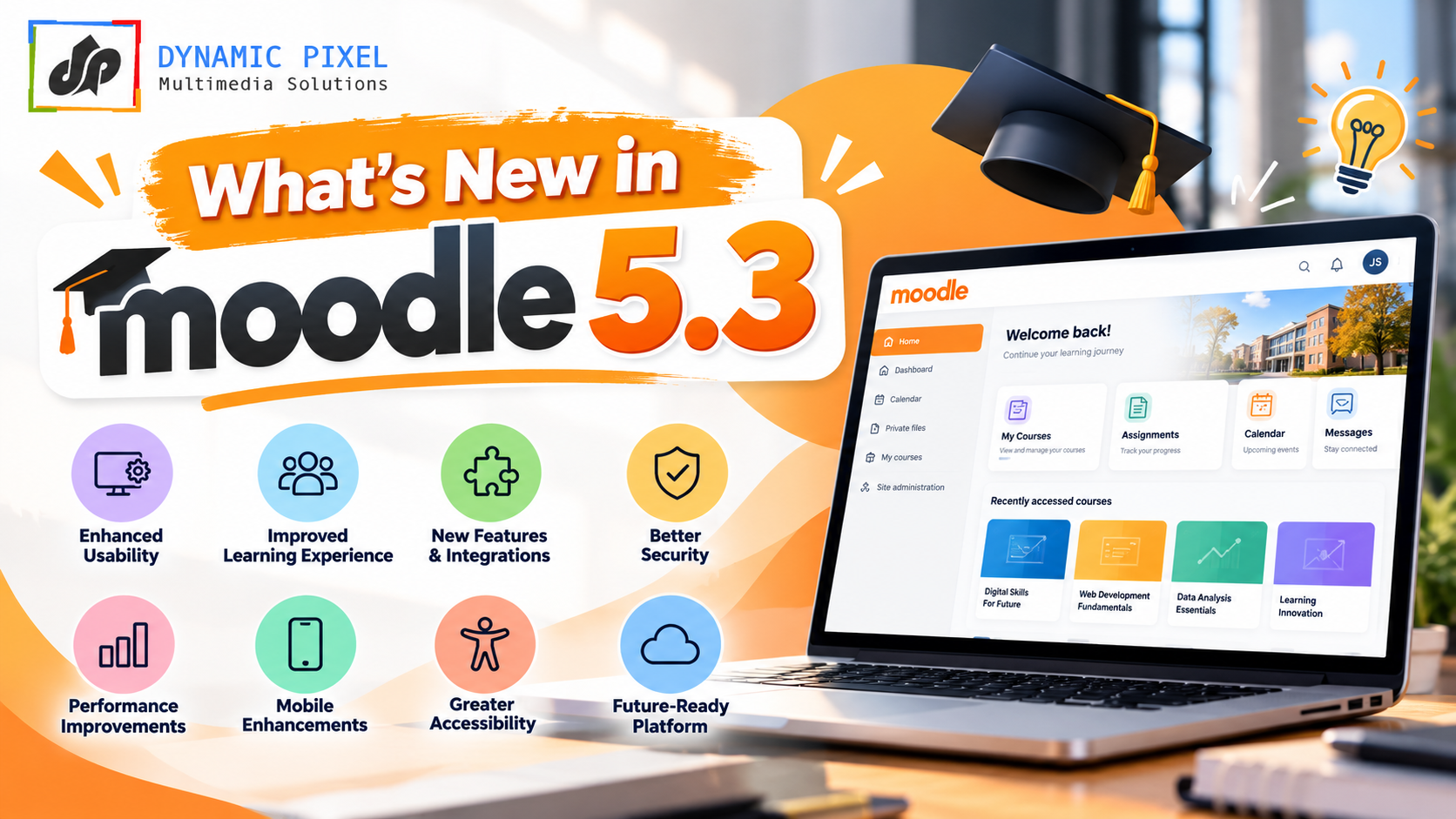
1. Learning outcomes you can link to real activities
Moodle 5.3 adds tools that link your course design to the goals learners should reach. Each course gets a Learning outcomes page. You can also use outcomes that do not need a grading scale.
Why it helps: teachers and course owners can show how each activity supports a goal. This is useful for colleges that report on outcomes, and for companies that must prove training works.
2. Better marking with multiple markers
Moodle 5.3 builds on the multiple-marker tool that arrived in 5.2. Now each marker can give their own feedback next to the overall feedback for the learner. Required and optional markers get more flexible moderation and sample marking.
Why it helps: fairer marking for large classes, and a clear record when two or more people judge the same work.
3. Dark mode (experimental) and a cleaner look
Dark mode comes to the Boost theme. Users can pick Light, Dark or System. Moodle calls it an experimental option that admins must switch on, so test it with your plugins before you roll it out.
The visual refresh also brings:
- Updated typography and a centre-aligned page layout
- A clearer course page hierarchy
- More intuitive drawers and navigation
- Your name shown beside your profile picture
- Previous and Next buttons on activity and resource pages, for courses that use the Custom sections or Weekly sections format
Why it helps: learners can move through a course step by step, with fewer clicks and less confusion.
4. Quiz and question bank upgrades
- Quiz due date: a new due date for quizzes, plus new user filters in quiz reports.
- Question bank: delete a question together with its category, and export selected questions in Moodle XML.
- Safe Exam Browser: new settings for multiple displays and screen capture, for proctoring tools.
- TinyMCE editor: Accordion and List styles. Sites with TinyMCE Premium can paste Markdown and have it formatted.
- BigBlueButton: switched on by default for new sites.
5. More choice and clarity with AI
Moodle 5.3 adds Anthropic Claude as a core AI provider. Before this, core already supported other providers such as OpenAI, Azure AI, Gemini, Amazon Bedrock, DeepSeek and Ollama. See our guide to Gemini and Amazon Bedrock in Moodle.
There is also a new course-level AI usage report. It gives teachers and learners more visibility into how AI is used in a course.
Our advice: an AI provider needs its own account and API key, and it has its own costs and data terms. Decide your AI rules before you switch it on. If you are choosing plugins as well, read our guide to the best Moodle AI plugins [CONFIRM: use this link only after that post is live].
6. Reporting and admin tools
- Report builder: more time-related options (time-based aggregations)
- Course deletion: a new setting to delete courses in the background
- Scheduled tasks: run them in the background
- Role risk view: better risk and audit options for roles
- Global search: finds the start of words, so partial searches work
- Course completion report: download in more formats, including Excel and PDF, with your filters applied
- Login notifications: switched on by default for new sites
- Moodle app: admins must now switch on deep link auto-login on purpose
7. Platform changes you must check before you upgrade
These are the changes most likely to affect your site:
- Classic theme is removed. Sites that use it move to Boost on upgrade. If you built a custom theme on Classic, test it. Also remove any Classic theme setting from config.php.
- OAuth 2 and personal access tokens are added for the new REST API. If you use web service integrations, review them.
- React is the base for new interface parts. The Timeline block is the first one moved. Test custom code and plugins.
- Bootstrap 5.3.8 now powers the interface.
Moodle 5.3 Requirements
Moodle 5.3 raises several minimum versions. Check your server and hosting plan before you plan the upgrade.
| Requirement | Moodle 5.3 minimum | Moodle 5.2 minimum |
|---|---|---|
| PHP | 8.3.0 (8.4.x also supported). 64-bit only | 8.3.0 |
| PostgreSQL | 17 (raised) | 16 |
| MySQL | 8.4 | 8.4 |
| MariaDB | 11.4.0 (raised) | 10.11.0 |
| Microsoft SQL Server | 2019 | 2019 |
| Aurora MySQL | 8.0 | 8.0 |
Oracle Database has not been supported since Moodle 5.0. Desktop browsers: Chrome, Firefox, Safari and Edge. Mobile: Mobile Safari and Google Chrome.
Source: MoodleDev release pages for 5.3 and 5.2. You can also check your own server at Site administration > Server > Environment.
Watch out: if you use PostgreSQL or MariaDB, 5.3 asks for a much newer database than 5.2. Shared hosting plans often lag behind.
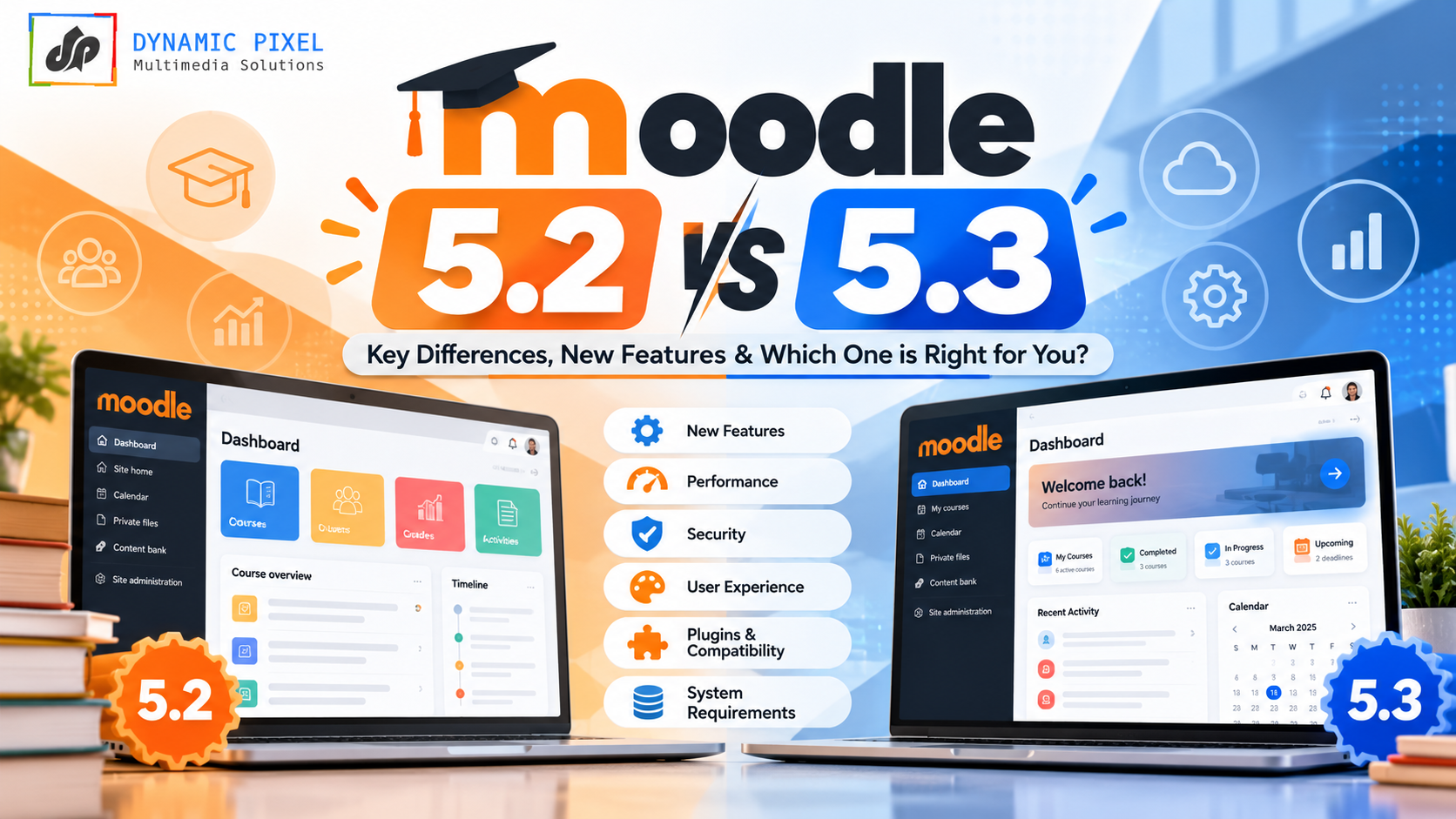
Moodle 5.2 vs 5.3: What Is the Difference?
| Feature | Moodle 5.2 | Moodle 5.3 LTS |
|---|---|---|
| Support type | Regular | Long-term support |
| Security fixes until | 4 Oct 2027 | 1 Oct 2029 |
| Marking | Multiple markers for assignments, with a chosen grade method | Each marker gives own feedback. More moderation and sample marking |
| Learning outcomes | Not a main feature | Learning outcomes page and outcomes without scales |
| AI providers in core | Google Gemini and Amazon Bedrock added | Anthropic Claude added. Course-level AI usage report |
| Look | Clearer activity pages, restricted content pages | Dark mode (experimental), new fonts, Previous/Next buttons |
| Quizzes | Question bank drag-and-drop, question counts | New quiz due date, XML export of selected questions |
| Themes | Classic available | Classic removed |
| Web services | Existing methods | OAuth 2 and personal access tokens for the new REST API |
| Minimum PostgreSQL / MariaDB | 16 / 10.11.0 | 17 / 11.4.0 |
Sources: Moodle Docs “New features” for 5.2 and 5.3, and MoodleDev release pages. See our Moodle 5.2 features guide for the full 5.2 story.
Benefits of Moodle LMS 5.3 LTS
- Longer peace of mind. Security fixes until 1 October 2029 mean fewer forced upgrades.
- Clearer learning goals. Outcomes tools show how activities link to results.
- Fairer marking. Multiple markers can give their own feedback, with moderation.
- A smoother learner experience. Cleaner pages, Previous/Next buttons and an optional dark mode.
- More AI choice, with more visibility. A new provider and an AI usage report.
- Less admin effort. Background tasks, better reports and role audits.
Should You Upgrade to Moodle 5.3? A Simple Guide
| Your current version | What to do | Why |
|---|---|---|
| 5.0 | Plan the upgrade now | Security fixes ended on 5 Oct 2026 |
| 5.1 | Plan it in the next few months | Security fixes end 19 Apr 2027 |
| 5.2 | Upgrade when your plugins and server are ready | Security fixes run to 4 Oct 2027. 5.3 gives you longer support |
| 4.5 LTS | You have time, but 5.3 is the next LTS step | Security fixes run to 4 Oct 2027 |
| 4.4 or older than 4.5 | Upgrade in steps | Direct upgrade to 5.3 works only from 4.4 or later |
Our view: many teams wait for the first point release and for their key plugins to confirm 5.3 support before they move a live site. That is a sensible approach, not a rule from Moodle.
A safe upgrade checklist
Moodle’s upgrade page gives these main steps. Always test on a copy of your live site first.
- Check your server in Site administration > Server > Environment.
- Back up three things: the Moodle code, the moodledata folder and the database.
- Check that every plugin you use has a 5.3 version.
- Put the site in maintenance mode and let cron jobs finish.
- Update your web server routing for the Moodle 5.1+ folder structure (Apache, nginx or OpenLiteSpeed).
- Install the new code, copy back config.php and your plugins into the new public folder.
- If you use Composer, run composer install –no-dev –classmap-authoritative.
- Go to Site administration > Notifications to run the upgrade.
- Switch off maintenance mode. If something is missing, purge all caches.
Common Moodle 5.3 Upgrade Problems and Fixes
| Problem | Why it happens | Fix |
|---|---|---|
| Upgrade will not start | PHP or database is too old | Move to PHP 8.3+ and a supported database first |
| A plugin breaks | The plugin has no 5.3 version | Check the plugin page, update or replace it |
| Custom theme looks wrong | It was built on the removed Classic theme | Rebuild it on Boost and test |
| Integration stops working | Web service changes (OAuth 2, new tokens) | Review your integrations in a test site |
| Dark mode looks odd | It is experimental and plugins are still adapting | Test with your plugins before you enable it |
How Dynamic Pixel Can Help You Move to Moodle 5.3
Dynamic Pixel is a Moodle team based in Ghaziabad, India. Our site lists us as a Certified Moodle Partner [CONFIRM: add link to our listing on moodle.com]. We help with:
- Moodle upgrades: a server and plugin check, a test upgrade on a copy, and a safe move to 5.3
- Moodle LMS setup, plugin work and support: hosting, maintenance and custom plugin development
- Moodle AI solutions: AI providers, chatbots and tutors set up with clear rules
- Theme checks: if you still use a Classic-based theme, we help you move it to Boost
Not sure which version fits you? Book a free consultation or write to info@dynamicpixel.co.in. You can also read what a Certified Moodle Partner really means, and what a Moodle LMS costs in India.
Frequently Asked Questions
What is the latest version of Moodle?
The latest version of Moodle is Moodle 5.3 LTS, released on 5 October 2026. It is a long-term support release with bug fixes until 4 October 2027 and security fixes until 1 October 2029. It follows Moodle 5.2, which was released on 20 April 2026, and requires PHP 8.3 or newer.
What is Moodle used for?
Moodle is an open source learning management system (LMS). Schools, universities and companies use it to build online courses, share lessons, run quizzes, collect assignments, track progress and report results. It is free to download and customise. Moodle’s own stats page lists over 148,000 registered sites in 237 countries.
What are the current versions of Moodle?
The versions listed on MoodleDev are Moodle 5.3 LTS, 5.2, 5.1 and 4.5 LTS. Moodle 5.0 is no longer supported, since its security fixes ended on 5 October 2026. Moodle 5.3 gets security fixes until October 2029, and 4.5 LTS until October 2027. Check the release page for any later updates.
Is Moodle 4.5 an LTS release?
Yes. Moodle 4.5 is a long-term support release, first released on 7 October 2024. It no longer receives general bug fixes, but it still gets security fixes until 4 October 2027. Moodle 5.3 is the next LTS release, so 4.5 sites can plan a move to 5.3 before that date.
What are the Moodle 5.3 requirements?
Moodle 5.3 needs PHP 8.3.0 or newer (64-bit), and PHP 8.4.x is also supported. The minimum databases are PostgreSQL 17, MySQL 8.4, MariaDB 11.4.0 and Microsoft SQL Server 2019. Oracle Database is not supported. Check your server at Site administration > Server > Environment before you upgrade.
Should I upgrade from Moodle 5.2 to 5.3?
Often yes, but only when your server and plugins are ready. Moodle 5.3 is an LTS release with security fixes until October 2029, while 5.2 gets them until October 2027. Back up first, test on a copy, check every plugin for a 5.3 version, and review any custom Classic-based theme.
Sources
- Moodle.org announcement: Moodle LMS 5.3 LTS, “Learning with intent” (5 Oct 2026)
- Moodle Docs: New features in 5.3
- Moodle Docs: New features in 5.2
- Moodle Docs: Upgrading (5.3)
- MoodleDev: Moodle 5.3 release and requirements
- MoodleDev: Moodle 5.2 release and requirements
- MoodleDev: Releases and support dates
- MoodleDev: 5.3 developer update
- Moodle statistics
- Moodle: About
- eLeDia: New in Moodle 5.3
