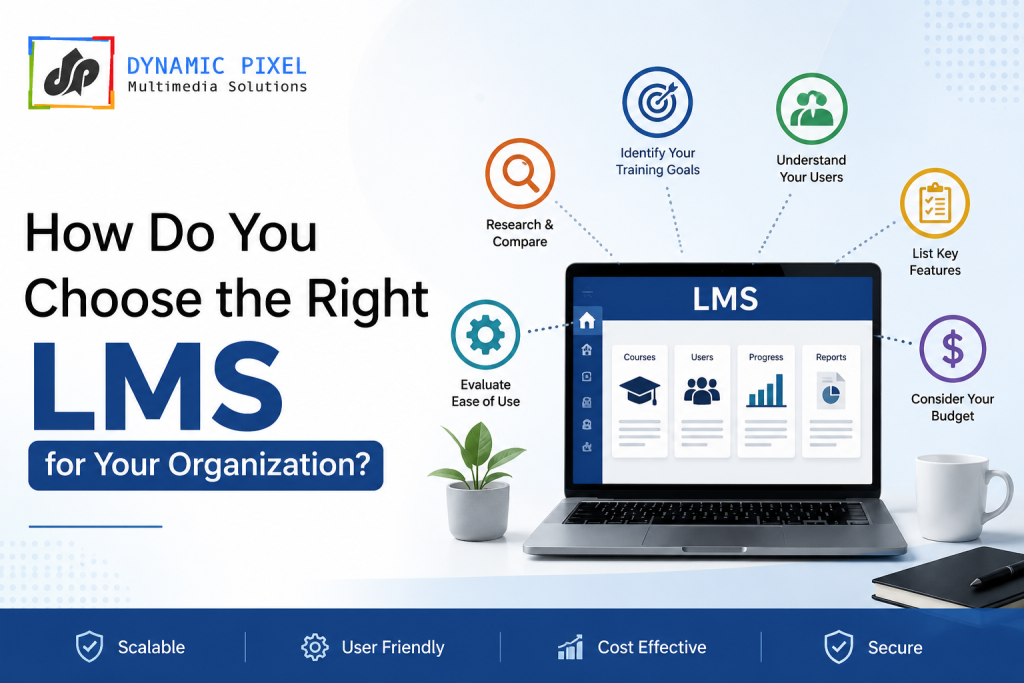
Selecting a Learning Management System (LMS) isn’t just about ticking boxes on a feature checklist. Your organization’s learning platform becomes the backbone of employee development, compliance training, and organizational growth. Get it wrong, and you’re looking at wasted budget, frustrated employees, and missed training opportunities. Get it right, and you create a culture where employees grow, retention improves, and your organization stays competitive.
Here’s the reality: organizations spend between ₹5,00,000 to ₹50,00,000+ annually on LMS solutions, yet surveys show that 60% of companies report suboptimal results with their chosen platform. The difference between successful implementations and failed ones rarely comes down to the software itself. Instead, it comes down to choosing a system aligned with your specific organizational needs, budget constraints, technical capabilities, and long-term vision.
This guide walks you through the complete LMS selection process—from defining your requirements to evaluating vendors, negotiating contracts, and measuring implementation success. Whether you’re a startup implementing your first LMS or an enterprise looking to migrate from your current system, these principles remain consistent.
Why LMS Selection Matters
The right LMS doesn’t just deliver training content. It transforms how your organization approaches employee development. It creates measurable learning outcomes, enables compliance tracking, reduces training costs, and most importantly, builds a learning culture where employees feel invested in and empowered to grow.
Without proper selection, you risk investing in a platform that collects dust, frustrates users through poor UX, fails to integrate with your existing systems, and ultimately gets abandoned. The cost of switching systems midway? Typically 2-3 times the original investment.
UNDERSTAND YOUR ORGANIZATIONAL NEEDS
Before evaluating a single LMS vendor, you must have absolute clarity on what your organization actually needs. This isn’t what you think you need—it’s what your data, your people, and your business goals dictate.
1. Define Your Core Training Requirements
Start with specificity. Don’t say “we need compliance training.” Instead, ask:
- What specific compliance regulations affect your industry? (GDPR, HIPAA, ISO certifications, financial regulations)
- How many people need training annually?
- How frequently does training content need updating?
- What percentage of your workforce works remote, hybrid, or on-site?
- Do you have international employees requiring multi-language support?
Write these requirements down. This document becomes your selection criteria against which you’ll evaluate every vendor.
2. Map Your Current Workforce Demographics
Understanding who you’re training is crucial:
- Total employee count: This dramatically affects pricing models
- Department breakdown: Sales teams need different features than compliance-heavy departments
- Technical proficiency: How comfortable is your average user with technology?
- Mobile workforce percentage: If 70% of your team works in the field, mobile-first platforms matter more
- Distributed locations: Single office vs. multi-country deployments need different support structures
3. Identify Specific Business Problems to Solve
Your LMS should solve actual business pain points. Common ones include:
- High employee turnover due to limited development opportunities
- Compliance training gaps and audit risks
- Inconsistent training quality across departments
- Inability to measure training ROI
- Poor onboarding experience for new hires
- Knowledge silos preventing cross-team collaboration
- Difficulty scaling training as the company grows
Your LMS won’t magically solve all problems, but it should address your top 3-5 pain points directly. If onboarding consistency is your biggest pain point but you’re evaluating an LMS optimized for compliance training, you’ve got a mismatch.
4. Establish Your Technical Baseline
Honest assessment of your technical capabilities prevents costly surprises:
- Current systems: Do you use HRIS systems, CRMs, or other platforms? Your LMS must integrate with these
- IT support capacity: Can your team manage a self-hosted solution, or do you need SaaS simplicity?
- API requirements: Will you need custom integrations or is standard integration sufficient?
- SSO requirements: Do you need Single Sign-On with your existing authentication systems?
- Data security requirements: Do compliance standards require on-premise hosting or is cloud acceptable?
5. Define Success Metrics
Before implementation, define what success looks like:
- How will you measure training effectiveness?
- What KPIs matter most? (completion rates, assessment scores, time-to-competency, skill development)
- How will you track ROI?
- What employee satisfaction score is acceptable?
- How quickly must training reach 100% of target employees?
IDENTIFY YOUR LMS CATEGORY & TYPE
Not all LMS platforms are created equal. Understanding which category fits your organization prevents you from comparing apples to oranges.
LMS Categories Explained
- Traditional/Enterprise LMS These are feature-rich platforms designed for large organizations with complex training needs, international deployments, and dedicated IT teams.
Best for:
- Organizations with 1,000+ employees
- Multi-country, multi-language requirements
- Complex compliance and certification tracking
- Organizations with dedicated L&D teams
Examples: SAP SuccessFactors, Oracle Learning Cloud, Cornerstone OnDemand
- Mid-Market LMS Balanced between enterprise complexity and SMB simplicity. Strong feature set without overwhelming complexity.
Best for:
- Organizations with 100-1,000 employees
- Growing companies scaling training infrastructure
- Organizations needing good features without enterprise complexity
- Hybrid on-site and remote workforces
Examples: Absorb LMS, iSpring Learn, TalentLMS
- SMB/Small Business LMS Simplified, user-friendly platforms emphasizing ease-of-use over feature complexity.
Best for:
- Organizations with 50-300 employees
- Limited IT support capacity
- Quick implementation timelines
- Cost-conscious organizations
Examples: Udemy Business, LinkedIn Learning, Teachable
- Specialized/Niche LMS Platforms designed for specific industries or training types (sales training, compliance, technical skills, etc.).
Best for:
- Organizations with very specific training needs
- Industry-specific compliance requirements
- Technical training or hands-on skills
- Highly specialized subject matter
Examples: Salesforce Trailhead (sales), SCORM Cloud (compliance), Pluralsight (technical skills)
- Open-Source LMS Customizable platforms you can self-host and modify extensively.
Best for:
- Organizations with strong IT capabilities
- Custom requirement requirements
- Cost minimization (no licensing fees)
- Organizations needing maximum control
Examples: Moodle, OpenedX, Canvas
Deployment Models
Cloud/SaaS (Software-as-a-Service)
- Hosted by the vendor
- Automatic updates
- Scalability built-in
- Lower initial cost
- No IT maintenance required
- Best for most organizations
On-Premise (Self-Hosted)
- Hosted on your servers
- Full control over data
- Higher initial setup cost
- Requires IT team
- Slower updates
- Better for strict data security requirements
Hybrid
- Combines cloud and on-premise
- Best flexibility
- More complex
- Higher cost
- Suitable for organizations with specific compliance needs
EVALUATION CRITERIA & FEATURE ANALYSIS
Now that you understand your needs and LMS categories, establish your evaluation criteria. Rate each criterion on importance (Must-Have vs. Nice-to-Have).
Core Functionality Must-Haves
Content Management
- Can you upload various content types? (Video, SCORM, xAPI, documents, interactive modules)
- How easily can instructors update content?
- Does it support multi-language content?
- Can you organize courses into logical hierarchies/departments?
User Management
- How easily can you add/remove users? (Bulk import, API, SSO)
- Can you set role-based permissions?
- How does it handle different user groups (employees, contractors, partners)?
- Does single sign-on integrate with your current authentication?
Course Delivery
- Can students take courses on mobile devices?
- Are courses self-paced, instructor-led, or both?
- Can you set prerequisites and learning paths?
- How does it handle asynchronous vs. synchronous learning?
Assessment & Testing
- What question types are supported? (Multiple choice, essay, scenario-based)
- Can you randomize questions?
- Does it support proctored exams?
- How detailed are assessment reports?
Reporting & Analytics
- What standard reports are available?
- Can you create custom reports?
- How detailed are individual learner records?
- Does it track time-to-completion and engagement metrics?
- Can you export data for external analysis?
Advanced Criteria
Integration Capabilities
- HRIS integration (payroll, HR records)
- CRM integration
- Video conferencing tools (Zoom, Teams, Google Meet)
- Calendar integration
- API availability for custom integrations
Compliance & Certification
- SCORM/xAPI compliance
- Audit trail capabilities
- Certification tracking
- Compliance reporting for regulatory bodies
- Data security certifications (ISO, SOC2)
Scalability
- Can the platform grow with your organization?
- How many users can it handle simultaneously?
- How does pricing scale?
- Is there a usage limit or cap?
User Experience
- Is the interface intuitive?
- Does it work well on mobile?
- Is training available for users?
- Does the vendor provide customer support?
Cost Structure
- Per-user licensing
- Flat annual fees
- One-time implementation costs
- Hidden costs (storage, integrations, premium features)
- Volume discounts
- Pricing transparency
VENDOR EVALUATION & SELECTION PROCESS
Once you’ve established your criteria, follow a structured evaluation process.
Step 1: Create a Shortlist
Based on your requirements and category, identify 3-5 vendors for evaluation. Don’t evaluate ten vendors—it’s overwhelming and inefficient.
Create a simple scoring matrix:
| Criterion | Weight | Vendor A | Vendor B | Vendor C |
| Core LMS Features | 25% | 9/10 | 8/10 | 7/10 |
| Integration Capabilities | 20% | 8/10 | 9/10 | 6/10 |
| Ease of Use | 20% | 8/10 | 8/10 | 9/10 |
| Reporting | 15% | 7/10 | 9/10 | 8/10 |
| Cost | 15% | 6/10 | 7/10 | 9/10 |
| Weighted Score | 100% | 7.8/10 | 8.1/10 | 7.6/10 |
Step 2: Request Demos & Trials
Don’t make decisions based on website descriptions. Request:
- Live demos from vendor representatives
- Free trials (usually 14-30 days) to test personally
- References from similar organizations
- Walkthroughs of specific workflows you care about
During demos, pay attention to:
- How intuitive is the interface?
- Can the vendor demo answer your specific questions?
- How quickly can they show you doing what you need to do?
- Do they understand your industry/use cases?
Step 3: Talk to Current Users
Ask vendors for references from similar organizations. Call them and ask:
- How was implementation?
- What features do they use most?
- What surprised them negatively?
- How is the vendor support?
- Would they choose this vendor again?
- What would they change?
Step 4: Evaluate Implementation Support
The LMS is only as good as your implementation:
- Does the vendor provide implementation support?
- What’s included in your package?
- What’s the implementation timeline?
- Do they provide training for your team?
- Who’s your dedicated account manager?
- What’s the support structure post-launch?
Step 5: Review Contracts Carefully
Before signing:
- What’s the contract length?
- Are there early termination clauses?
- What’s included in standard support?
- What additional features cost extra?
- How are price increases handled?
- What happens to your data if you leave?
- Is there a data export capability?
COMMON LMS SELECTION MISTAKES TO AVOID
Learning from others’ mistakes accelerates your decision:
Mistake 1: Choosing Based on Price Alone
The cheapest LMS rarely delivers the best value. A low-cost platform that requires constant workarounds ends up more expensive through wasted time and poor adoption.
Better approach: Calculate total cost of ownership including implementation, training, integrations, and support. Compare real ROI, not just license cost.
Mistake 2: Ignoring User Experience
An LMS is only effective if employees actually use it. Complex, unintuitive platforms see poor adoption regardless of features.
Better approach: Demo with actual end-users, not just administrators. Prioritize ease of use.
Mistake 3: Overestimating Feature Needs
Organizations often select an LMS with 200 features, then use 20. This creates complexity without value.
Better approach: Be ruthless about must-haves vs. nice-to-haves. The simpler system that meets your needs beats the complex one with extra features.
Mistake 4: Underestimating Implementation Effort
Changing your training system is a significant organizational change. Many underestimate time, resources, and change management needed.
Better approach: Budget 3-6 months for proper implementation. Allocate dedicated resources. Plan for change management.
Mistake 5: Not Considering Integration Needs
Selecting an LMS that doesn’t integrate with your HRIS, email system, or other tools creates data silos and manual workarounds.
Better approach: Map all systems your LMS needs to connect with. Test integrations during evaluation.
Mistake 6: Ignoring Vendor Stability
Selecting a vendor who later struggles financially means your platform might disappear.
Better approach: Check vendor funding, years in business, customer base stability, and financial health before committing.
Mistake 7: Choosing Without Executive Buy-In
L&D teams selecting systems without broader organizational support leads to adoption challenges.
Better approach: Involve stakeholders from HR, IT, finance, and department heads in selection. Get executive sponsorship before implementation.
LMS COMPARISON TABLE
Here’s how popular LMS platforms compare across key criteria:
| Feature | Absorb LMS | iSpring Learn | TalentLMS | KnowxBox | LinkedIn Learning |
| Best For | Mid-market, growing companies | Sales/compliance training | SMBs, budget-conscious | Ready-to-use with courses | Enterprise learning |
| Deployment | Cloud | Cloud/Hybrid | Cloud | Cloud | Cloud |
| Ease of Use | Very Easy | Easy | Very Easy | Very Easy | Very Easy |
| Content Upload Types | SCORM, xAPI, Video, Docs | SCORM, Video, Interactive | SCORM, xAPI, Video | Pre-built content library | Video, articles, courses |
| Mobile Support | Excellent | Excellent | Excellent | Excellent | Excellent |
| Integrations | 40+ | 30+ | 50+ | Standard integrations | 100+ |
| Reporting | Advanced | Advanced | Basic-Intermediate | Intermediate | Basic |
| Price Range | ₹8-30/user/month | ₹5-25/user/month | ₹3-15/user/month | ₹10-50/user/month | ₹500+/month |
| Implementation Time | 2-4 weeks | 1-2 weeks | 1-2 weeks | Same day | 2-4 weeks |
| Support Quality | Excellent | Very Good | Good | Excellent | Good |
| Best for Customization | Moderate | High | Moderate | Low | Low |
| Scalability | Excellent | Very Good | Very Good | Excellent | Excellent |
IMPLEMENTATION ROADMAP
Once selected, here’s your implementation timeline:
Weeks 1-2: Foundation & Setup
- Establish project team and governance
- Configure system settings and branding
- Import employee data and create user accounts
- Set up SSO and integrations
- Configure user roles and permissions
Weeks 3-4: Content Migration & Preparation
- Audit existing training content
- Convert or re-create content in new LMS
- Set up course structure and hierarchies
- Create initial assessments and certificates
- Prepare communication plan for launch
Weeks 5-6: Testing & Training
- Conduct UAT (User Acceptance Testing)
- Fix identified issues
- Train administrators and instructors
- Create end-user documentation
- Conduct pilot with selected group
Week 7-8: Launch & Support
- Soft launch to pilot group
- Gather feedback and adjust
- Full organizational launch with communication campaign
- Intensive support during first month
- Monitor adoption and troubleshoot issues
Weeks 9-12: Optimization & Sustainability
- Analyze initial usage data
- Adjust based on user feedback
- Establish sustainable processes
- Plan ongoing content updates
- Transition to standard support model
MEASURING LMS SUCCESS
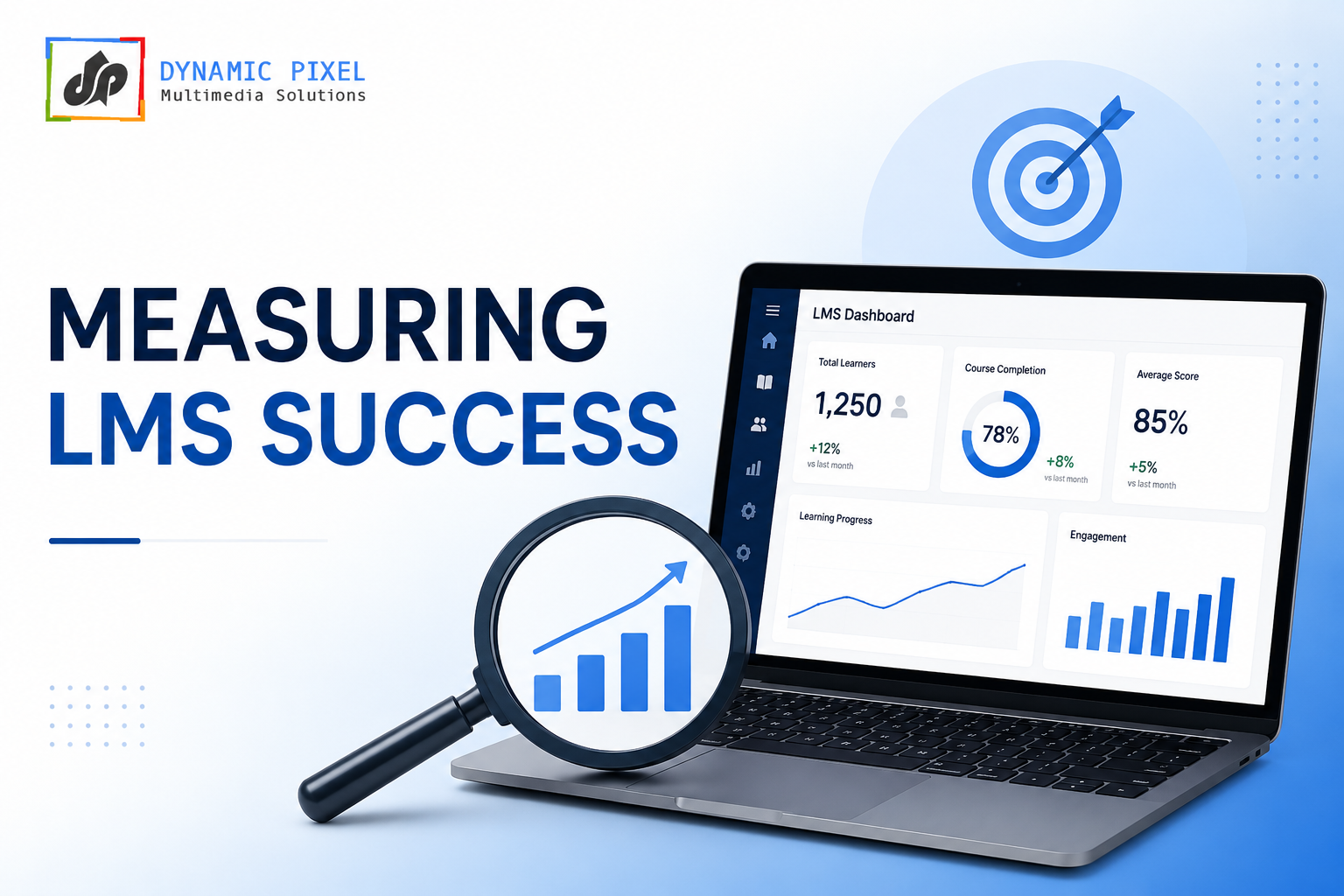
After implementation, measure these KPIs:
Adoption Metrics
- % of target employees who’ve logged in
- Average monthly active users
- Course completion rate
- Time to reach 100% enrollment
Learning Metrics
- Assessment scores
- Time-to-competency
- Pre vs. post-training performance
- Skill improvement
Business Metrics
- Training cost per employee (before vs. after)
- Employee retention rate changes
- Performance review score improvements
- Compliance audit results
User Satisfaction
- Net Promoter Score (NPS)
- User satisfaction surveys
- Support ticket volume
- Platform adoption rate
THE DYNAMIC PIXEL ADVANTAGE
Choosing an LMS is complex, but organizations don’t have to navigate it alone. At Dynamic Pixel Multimedia Solutions, we’ve helped dozens of organizations select, implement, and optimize LMS platforms. Here’s how we help:
Strategic LMS Consulting
We conduct needs assessments to define your organization’s actual requirements, not assumptions. Our consultants interview stakeholders across departments, analyze your current training challenges, and create detailed selection criteria ensuring you evaluate platforms objectively.
Implementation & Change Management
Selecting the right LMS is step one. Successfully implementing it is step two. Our implementation team ensures smooth deployment, manages organizational change, trains your people, and supports your launch.
Content Development & Migration
Many organizations have existing training content that needs migration or reimagining. We audit your current content, convert it to modern formats (interactive modules, microlearning, mobile-optimized), and create new content addressing identified gaps.
Custom Integration & Customization
Off-the-shelf LMS solutions don’t always fit perfectly with existing systems. We bridge gaps through custom integrations, API development, and platform customization ensuring your LMS works seamlessly with your tech stack.
Ongoing Optimization
LMS success extends beyond launch. We continuously monitor usage data, identify optimization opportunities, create additional content as needs evolve, and ensure your platform delivers sustained value.
FAQs
How do I choose the right LMS for my organization?
Start by understanding your specific needs: training volume, compliance requirements, workforce distribution, and budget. Define must-have features and nice-to-haves. Evaluate 3-5 shortlisted vendors through demos, trials, and reference calls. Score vendors against weighted criteria. Calculate total cost of ownership. Involve multiple stakeholders in evaluation before deciding.
What features should a corporate LMS include?
Core features include: content management (multiple file types), user management with role-based permissions, mobile accessibility, assessment tools, reporting and analytics, integration capabilities (HRIS, CRM, SSO), and customer support. Advanced features like AI-powered recommendations, social learning, and advanced analytics are valuable additions but not essential for every organization.
Which LMS is best for employee training?
There’s no single “best” LMS. The best platform depends on your specific requirements. For growing companies prioritizing ease-of-use, Absorb LMS or iSpring Learn work well. For budget-conscious SMBs, TalentLMS offers excellent value. For organizations wanting immediate deployment with pre-built content, KnowxBox solves this. For enterprises needing extensive integrations, Cornerstone OnDemand or SuccessFactors work better.
How much does an LMS cost?
LMS pricing typically ranges from ₹3-50 per user per month, depending on platform and features. Small businesses might pay ₹50,000-2,00,000 annually. Mid-market organizations typically invest ₹5,00,000-20,00,000 annually. Enterprise solutions can exceed ₹50,00,000. Consider implementation costs (₹2,00,000-10,00,000), content creation, and ongoing support when calculating total investment.
Can an LMS improve employee performance?
Yes, when implemented properly. LMS enables consistent training delivery, skills tracking, and performance support. Studies show employees trained through LMS demonstrate 25-30% better performance retention than classroom-only training. However, the LMS itself doesn’t improve performance—quality training content, regular usage, and management support around learning do.
What are the benefits of cloud-based LMS software?
Cloud-based LMS offers automatic updates, scalability without infrastructure investment, accessibility from anywhere, lower initial costs, automated backups, built-in security, and no IT maintenance burden. For most organizations, cloud deployment outweighs on-premise alternatives due to reduced complexity and maintenance.
What mistakes should you avoid when choosing an LMS?
Avoid: selecting based on price alone, ignoring user experience, choosing platforms with excessive features, underestimating implementation effort, not considering integration needs, ignoring vendor stability, and proceeding without executive buy-in. The most common mistake is underestimating how organizational change affects adoption.
What industries use LMS platforms?
LMS platforms serve: technology (onboarding and continuous learning), finance (compliance and regulatory training), healthcare (certification and continuing education), manufacturing (safety and procedural training), retail (product knowledge and customer service), government (compliance and professional development), and education (course delivery and student assessment).
Why does your organization need an LMS?
Your organization needs an LMS to: scale training across distributed teams, ensure consistent compliance training, measure training effectiveness and ROI, reduce training delivery costs, improve employee retention through development opportunities, create organizational knowledge repositories, enable continuous learning culture, and maintain audit trails for regulatory compliance.
CONCLUSION
Choosing the right LMS requires balancing organizational needs, technical capabilities, budget constraints, and long-term vision. The perfect platform doesn’t exist—only the right fit for your organization.
The selection process we’ve outlined isn’t arbitrary. It’s built on years of helping organizations implement learning platforms successfully. Organizations that follow this structured approach—understanding their needs, evaluating options objectively, selecting based on weighted criteria, and implementing with proper support—see adoption rates 60-70% higher than those making ad hoc decisions.
Your LMS will likely remain your organization’s learning platform for 3-5 years minimum. The time invested in proper selection now prevents costly switching later and ensures your platform drives the organizational outcomes you need.
The stakes are high, but so is the potential impact. The right LMS transforms how your organization approaches employee development, compliance, and continuous learning. Take time with this decision.
Ready to Select Your LMS?
If your organization is evaluating LMS platforms and needs expert guidance through selection and implementation, Dynamic Pixel Multimedia Solutions specializes in this exact challenge. We’ve conducted dozens of successful LMS implementations across industries and organization sizes.
Whether you need strategic consulting during evaluation, support through implementation, custom content development, or post-launch optimization, our team understands both the technical and organizational dimensions of LMS deployment.
Reach out to discuss your organization’s specific learning management challenges. Let’s find the right platform together.
