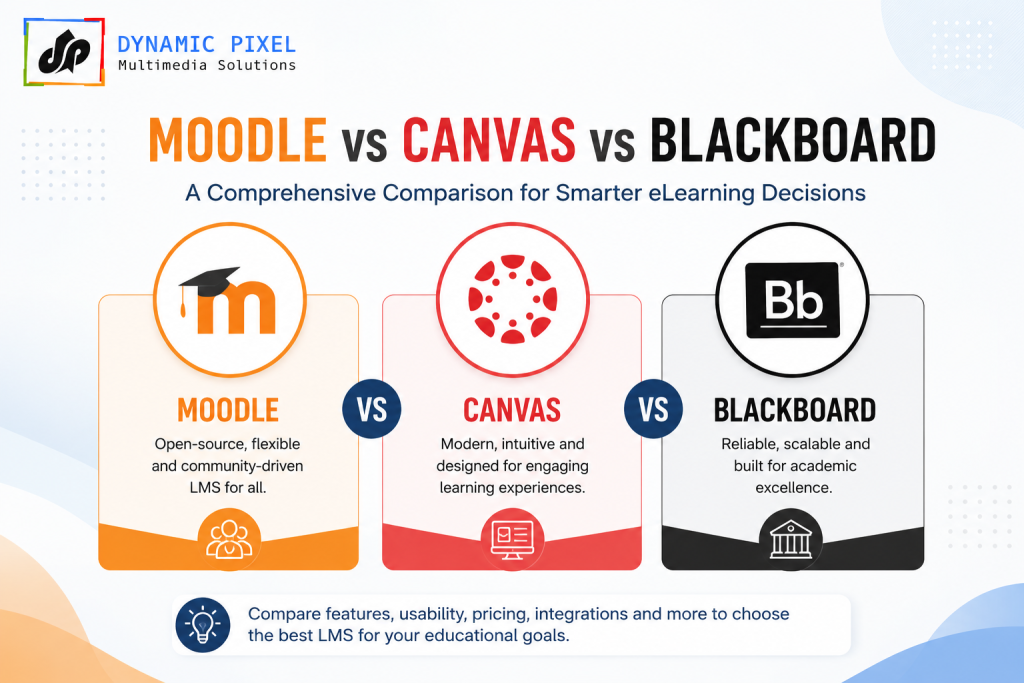
Moodle vs Canvas vs Blackboard comes down to three different priorities. Moodle wins on cost and control — it’s open-source, free to self-host, and used by over 511 million learners across 147,000+ sites worldwide. Canvas wins on user experience — a polished, modern interface that dominates North American higher education (roughly 41% market share, including all ten Ivy League schools). Blackboard wins on enterprise-grade compliance and granular administrative control, making it a long-standing favorite for large state university systems. There’s no single “best” LMS in 2026 — the right answer depends on your budget, your technical resources, and whether you’re serving higher education, K-12, or corporate training.
Introduction
Choosing a Learning Management System is one of the most consequential decisions an institution or business will make — it shapes how instructors teach, how learners engage, and how much your IT team spends maintaining it for years to come. Few decisions get argued about as much as Moodle vs Canvas vs Blackboard, and for good reason: these three platforms represent genuinely different philosophies about what an LMS should be.
This guide breaks down exactly how the three compare in 2026 — cost, customization, accessibility, mobile experience, and real-world fit for higher education and corporate training — with clear comparison tables so you can make a confident, well-informed decision.
Moodle vs Canvas vs Blackboard: At a Glance
| Feature | Moodle | Canvas | Blackboard (Ultra) |
| Model | Open-source, self-hosted or MoodleCloud | Proprietary SaaS (Instructure) | Proprietary, enterprise-focused |
| Starting Price | Free (self-hosted); MoodleCloud from ~$120–200/year | $5–$25/student/year (institution-quoted) | Custom enterprise pricing |
| Best For | Budget-conscious institutions, training orgs wanting full control | Higher ed wanting a polished, modern UX | Large universities needing granular compliance controls |
| Customization | Extremely high (2,700+ plugins, full code access) | Moderate (App Center integrations) | Moderate (enterprise configuration) |
| Hosting | Self-hosted or cloud | Cloud only (no self-hosting) | Cloud or on-premise |
| Market Strength | Global, especially outside North America | ~41% of US higher ed market | Large state university systems, enterprise |
| Mobile Apps | Customizable (developer resources needed) | Highly rated iOS/Android apps | Dedicated apps, syncs course content well |
| 2026 Status | 511.8M users, 147,358 sites, 233 countries | $4.8B Instructure acquisition by KKR (2024) | Emerged debt-free, refocused on teaching (Feb 2026) |
Moodle vs Canvas: The Core Trade-Off
The Moodle vs Canvas debate almost always comes down to one question: do you want control, or do you want convenience?
Moodle is open-source and free to download, which makes it a natural fit for institutions with a tight budget or an in-house technical team. It supports over 2,700 plugins across 50+ categories, meaning almost any workflow can be built or customized. The tradeoff is that self-hosting requires real technical resources — server management, updates, and security patching become your responsibility unless you use a managed provider.
Canvas takes the opposite approach. It’s a fully hosted SaaS product, so there’s no server to manage — but you’re renting access to Instructure’s infrastructure, with no self-hosting option even though its source code is technically available under AGPLv3. In exchange, you get a modern, intuitive interface that instructors and students consistently rate highly, plus dedicated mobile apps that make checking grades and assignments genuinely convenient.
Bottom line: Moodle is the stronger fit if you want deep customization and are comfortable with (or already have) technical hosting support. Canvas is the stronger fit if you want a ready-to-use platform with minimal setup friction and strong out-of-the-box mobile experience.
Canvas vs Blackboard: Modern UX vs Enterprise Control
Canvas vs Blackboard is largely a story of design philosophy. Canvas built its reputation on clean, student-friendly design — which is a major reason it now holds an estimated 41% of the US higher education market, including all ten Ivy League universities.
Blackboard, now running on its modernized Blackboard Ultra platform, has historically prioritized administrative depth over visual polish — granular user permissions, detailed learning analytics, and compliance-focused controls that large state university systems rely on. In February 2026, Blackboard (formerly rebranded as Anthology and now back to the Blackboard name) announced it had emerged debt-free and refocused specifically on teaching and learning outcomes — a signal that the platform is actively reinvesting in its core education product rather than just enterprise contracts.
Bottom line: Canvas tends to win where student experience and engagement are the priority. Blackboard tends to win where institutional control, compliance, and detailed reporting matter most — particularly at scale, across large multi-campus systems.
Blackboard vs Moodle: Enterprise Structure vs Open Flexibility
Blackboard vs Moodle is arguably the starkest contrast of the three comparisons. Blackboard is built for institutions that need strict compliance, structured permissions, and vendor-backed enterprise support. Moodle is built for institutions and organizations that want to own their learning infrastructure outright, avoid vendor lock-in, and shape the platform to their exact needs.
Cost is a major differentiator here too. Blackboard’s enterprise pricing is customized and typically substantial, while Moodle can be run for the cost of hosting alone — sometimes just a few hundred dollars a year for smaller organizations via MoodleCloud, or effectively free with self-managed hosting.
Bottom line: If your institution values vendor-managed structure and is prepared to pay for it, Blackboard is a proven enterprise choice. If you value flexibility, cost control, and long-term independence from any single vendor, Moodle is difficult to beat.
Which LMS Is Best in 2026? A Use-Case Breakdown
Best LMS for Higher Education
For pure student experience and North American institutional adoption, Canvas currently leads — its market share and Ivy League adoption reflect genuine strength in usability and support. However, Moodle remains extremely strong in international higher education, where institutions often prioritize cost control and the ability to customize course structures without per-student licensing fees.
Best LMS for Employee Training / Corporate Training
For corporate training specifically, both Canvas and Blackboard were primarily designed with academic institutions in mind — features like certification tracking, compliance workflows, and gamified skills training are often secondary priorities for them. Moodle’s open architecture makes it a genuinely strong foundation for corporate learning, since it can be customized with the specific compliance tracking, certification, and reporting features corporate L&D teams actually need — without paying per-student academic licensing fees.
This is exactly the gap that purpose-built corporate training platforms like KnowxBox — Dynamic Pixel’s own AI-powered LMS — are designed to close, offering 100+ ready-to-use, gamified soft-skills courses across 14+ categories on top of a corporate-ready learning management system.
Accessibility & Compliance: A 2026 Consideration You Can’t Ignore
A US Department of Justice update to ADA Title II requires all public university digital content to comply with WCAG 2.1 AA accessibility standards by April 24, 2026 — a deadline that has pushed accessibility to the top of many institutions’ LMS evaluation checklists this year.
- Canvas is fully WCAG 2.1 AA certified and launched a dedicated Course Accessibility Checker in March 2026.
- Blackboard and Moodle both offer accessibility tooling, though institutions should verify current certification status directly with each vendor, since compliance features continue to evolve rapidly through 2026.
If your institution serves US public education, accessibility compliance should now be a first-tier evaluation criterion — not an afterthought.
How Dynamic Pixel Helps You Get More From Any LMS
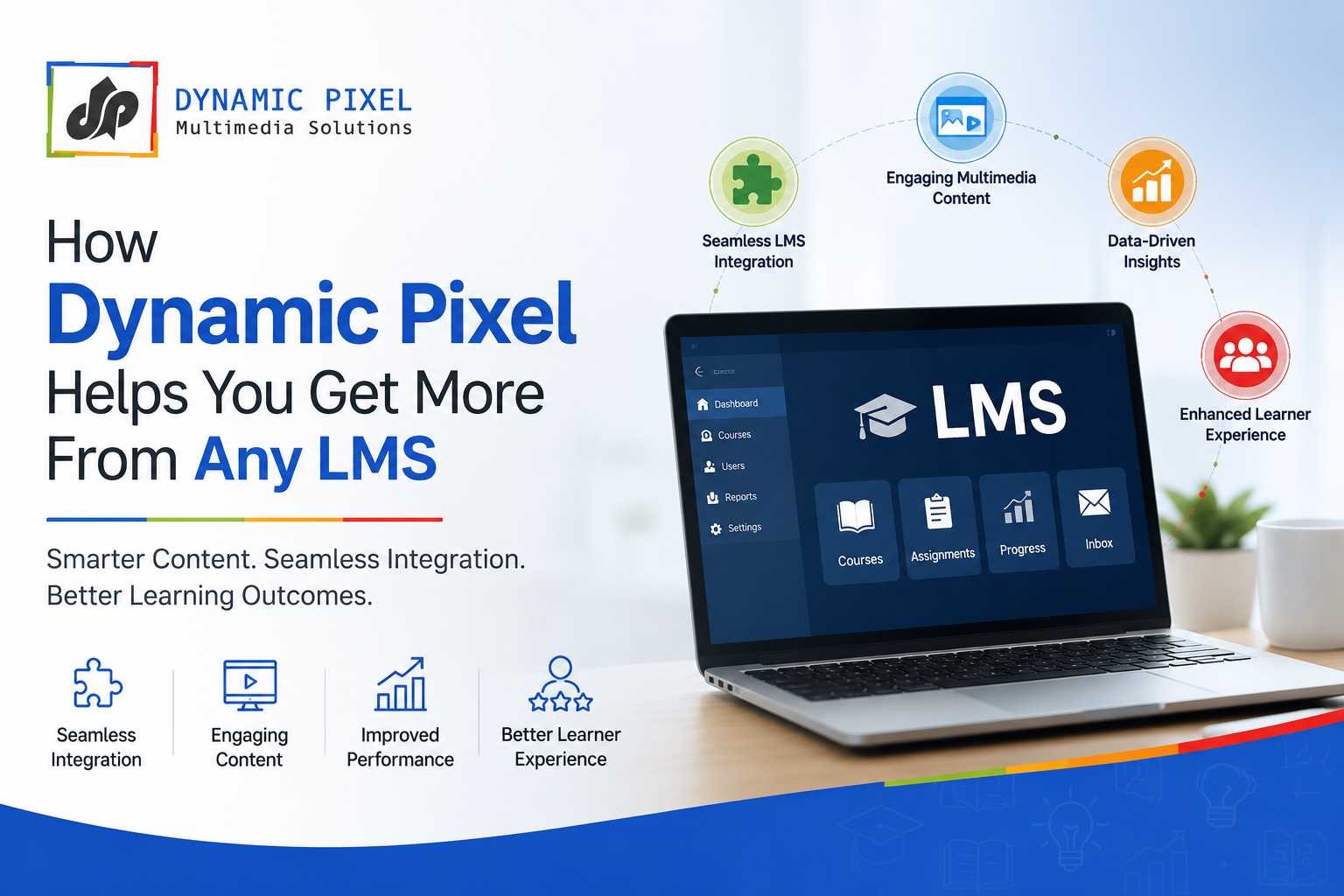
Choosing between Moodle, Canvas, and Blackboard is only half the equation — the real value comes from what you build inside the platform. As a custom eLearning content development company with 15+ years of experience, Dynamic Pixel helps organizations get genuine value from their LMS investment, regardless of which platform they choose:
- Moodle implementation & customization — from initial setup and hosting guidance to custom plugin development and branded course design
- Custom eLearning content — interactive, SCORM-compliant courses built for corporate training, compliance, and K-12 curricula
- KnowxBox — our own AI-powered LMS with a ready-to-use library of 100+ gamified soft-skills courses, ideal for organizations that want corporate training capability without building an LMS from scratch
- LMS migration support — helping institutions and businesses move content and workflows between platforms with minimal disruption
Whether you’ve already chosen Moodle, Canvas, or Blackboard — or you’re still deciding — the platform is only as effective as the content and training strategy built on top of it.
Frequently Asked Questions
Q1. Which LMS is better: Moodle, Canvas, or Blackboard?
There’s no single “better” platform — it depends on your priorities. Moodle wins on cost and customization, Canvas wins on user experience and North American higher-ed adoption, and Blackboard wins on enterprise-grade compliance and administrative control.
Q2. Is Moodle better than Canvas?
Moodle is better if you want deep customization, self-hosting control, and lower long-term costs. Canvas is better if you want a polished, ready-to-use interface with minimal setup and strong native mobile apps.
Q3. Is Blackboard still relevant in 2026?
Yes. Blackboard (now running on Blackboard Ultra) remains widely used in large state university systems and enterprise education settings, and it announced in February 2026 that it had emerged debt-free with a renewed focus on teaching and learning.
Q4. Which LMS is best for higher education?
Canvas currently leads North American higher education with roughly 41% market share, including all ten Ivy League universities. Moodle remains a strong alternative for international institutions prioritizing cost and customization.
Q5. Which LMS is best for employee training?
Moodle’s open architecture makes it highly adaptable for corporate training needs like certification tracking and compliance reporting. Purpose-built platforms like KnowxBox offer an even faster path to structured, gamified corporate training without custom development.
Q6. Which LMS should I choose in 2026?
Start by identifying your top priority — cost and control (Moodle), user experience and higher-ed fit (Canvas), or enterprise compliance and administrative depth (Blackboard) — then evaluate accessibility compliance, since WCAG 2.1 AA requirements are now a critical factor for US public institutions.
Q7. How do Moodle, Canvas, and Blackboard compare overall?
Moodle is open-source and highly customizable; Canvas is a proprietary SaaS product known for its user-friendly design and strong North American higher-ed presence; Blackboard is an enterprise-grade platform built for institutions needing granular permissions and compliance controls. See the comparison table above for a full feature-by-feature breakdown.
Conclusion: There’s No Universal Winner — Only the Right Fit
The honest answer to Moodle vs Canvas vs Blackboard is that all three are legitimate, capable platforms — the “best” choice depends entirely on your budget, technical resources, and whether you’re serving higher education or corporate training. Moodle offers unmatched flexibility and cost control for those willing to manage it. Canvas offers the smoothest day-to-day experience for higher-ed institutions. Blackboard offers the enterprise depth large university systems often require.
Whichever platform you choose, the quality of your course content and training strategy is what ultimately determines learner outcomes — and that’s where Dynamic Pixel can help, whether through custom Moodle implementation, tailored eLearning content, or our own KnowxBox LMS for corporate training.
Call: 0120-4119119
Email: info@dynamicpixel.co.in
Explore: dynamicpixel.co.in
